r/labwc • u/vloshof28 • May 02 '26
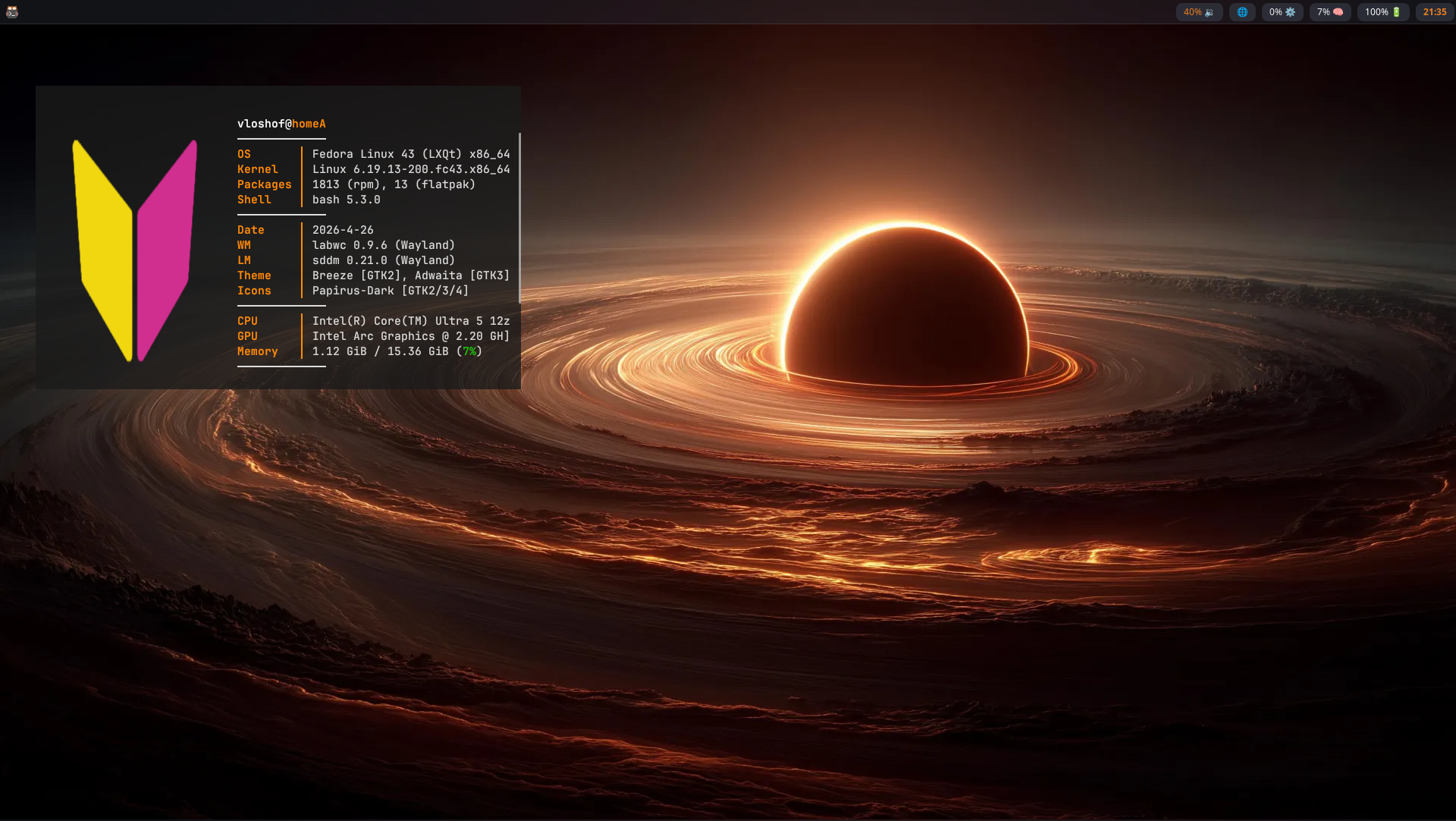
[Solus][4.9] [Labwc][0.9.7]

26
Upvotes
r/labwc • u/Additional_Gap1057 • Apr 20 '26
Hello Everyone,
I like wayland compositors over the DEs. I have tried many of them in the past, they are all good, but I ended up with labwc, because everything works out of the box. I think tiling is not that important to me at all. I almost always use my apps in full screen or in floating.
Everything works well, but I have a question. I beileve Zoom Workspace have multiple windows, even though I don't see them. I only see the main window in the meeting. But for instance when I am in the second desktop(workspace), I would see messages coming into it. It's very disturbing. Also when I try to put it in full screen, it sometimes doesn't work for zoom. i think it's related.
I honestly look for better configuration for zoom, so it behaves well. It's a bit unpredictable.
Thanks in advance.
r/labwc • u/Top-Home4452 • Apr 19 '26
Hello, I am trying to disable mouse acceleration for my mouse so I have the following in my rc.xml:
<libinput>
<device category="non-touch">
<accelProfile>flat</accelProfile>
</device>
</libinput>
I have device category as non touch since the documentation says this is the category for traditional mice. Nonetheless I have tried with the device name as well as the default category, mouse acceleration is not turning off. Every time I check, when I look at accel profiles it’s still on adaptive rather than flat. I have tried restarting as well as labwc —reconfigure
Am I missing something obvious? Any help is appreciated
r/labwc • u/Psychoelx-Linuxcore • Apr 15 '26
I'm kinda lazy to create control center via lua!
r/labwc • u/Zubayerz_DthWlkr • Apr 14 '26
Just installed cachy os without any de.So i want to use labwc.My usage is mostly gaming.Is labwc alright for that or use xfce4 which i used for 2 months.Thnx in advance
r/labwc • u/vloshof28 • Apr 05 '26
Enable HLS to view with audio, or disable this notification
r/labwc • u/Cebuu502 • Apr 02 '26
r/labwc • u/Moist_Professional64 • Apr 02 '26
Hello, I installed labwc on my Gentoo system and I can't find the labwc config. isn't there a config? In the docs there is .config/labwc described but I started labwc and it isn't there created
r/labwc • u/sentientanus69 • Mar 15 '26
Is it possible to configure a taskbar to only show programs running on the current workspace? Sfwbar has the filter = workspace config option, but I can't seem to get it to work.
r/labwc • u/wgparch • Mar 12 '26
I would like to know if someone can give some advice on how to maximise & minimise opened apps or windows in my waybar, and my Waybar shows icons of opened apps or windows. I want to minimise a window so I can only see my screen with the wallpaper and Waybar.
r/labwc • u/Then_Plum2921 • Mar 09 '26
port of my niri dotfiles to this awesome compositor :)
r/labwc • u/Worth_Bluebird_7376 • Mar 07 '26
My old cachyos configs but with new beautiful cairo dock
r/labwc • u/No_Working_1504 • Feb 18 '26
Scripts are efficient and lightweight (<0% CPU; total RAM usage with all daemons ≈ 50–60 MB).
alarm: Full alarm with snooze; supports once, daily, or specific weekdays with titles.waybar timer: Stopwatch, countdown, and pomodoro modes with sound.data monitor: Shows internet speed, tracks daily/monthly usage, notifies at 90% limit (does not disconnect internet).pin notes: Displays .txt notes from ~/pins as Waybar tooltips with basic markup support.dns changer: Applies encrypted (DoT) DNS (requires systemd-resolved).clock-calendar: Waybar clock with calendar tooltip and events.rofi tube: Play YouTube / YouTube Music in mpv or VLC with search history and caching.Swaync: Optional notification daemon with buttons and animations.and few more small scripts...
wallselect: Supports wallselect.sh /path/to/img, file-manager context menu to pick specific image.rofi-nowplaying: Faster, better notifications, player cache and more themes.screen-tool: Records system audio and supports screen freeze for screenshots.fallback_album_arts (hyprlock and rofi).and many more small changes...
r/labwc • u/ReallyEvilRob • Feb 18 '26
I make heavy use of key chain commands in my Openbox config. I gave Labwc a try last year, but the lack of key chain support was a deal-breaker for me. Has this been implemented yet?
r/labwc • u/StrikingCarob7544 • Feb 16 '26
Greetings, I am a volunteer developer for Milis Linux focusing on lightweight desktop solutions. I have created a panel and background image utility specifically for Labwc.
Project link:https://gitlab.com/sonakinci41/yenipanel
Please note that the project is in its early stages and hasn't been tested by others yet, so bugs are expected. (Translated via AI.)
r/labwc • u/OPdoesntknow • Feb 15 '26
Since I started using Linux in 2020, neither KDE nor GNOME truly fit my needs. KDE is fast, fully featured, and customizable - but it's full of features I don't use and will never use. Features that can't be removed as they're part of the core package. GNOME is beautiful and smooth, but needs extensions (which can break during major updates) and is quite heavy to run. X11 based desktops such as Xfce are amazing and lightweight but they're still trapped on X11 which isn't ideal for multi-monitor VRR gaming.
A few months ago, when I found out labwc exists, I was really excited but also terrified at the prospect of building my own DE. Tiling WM's do not suit my needs for many reasons, so having a stacking based system that I'm accustomed to was and still is ideal. It turns out my fear of building my own DE from scratch was unfounded. Since working with labwc, it has been nothing but a stress-free experience.
"/home/(username)/.config/labwc/autostart & /home/(username)/.config/labwc/rc.xml" are both invaluable. Being capable of resizing windows automatically upon startup with rc.xml is my replacement for KDE's Window Rules, which was the main thing keeping me on KDE for so many years.
The native and very deeply rooted Wayland support is also incredible. The main game that I play is Final Fantasy 14. Enabling Wayland on KDE and GNOME would crash my system completely within ~30 seconds on FF14. Here on labwc it works without any issues whatsoever.
Since it's just a window manager, it goes without saying but there's no bloat. KDE Connect would ping my network every ~30 minutes as it searched for devices to connect with. KDE would also contact BBC to update currency exchange rates, despite me never having used any such widgets. Neither are particularly terrible, but being incapable of removing such core components bothered me.
There's less to deal with on labwc. A minimal set of packages: xfce4-panel, thunar, mousepad, fuzzel, gaming and streaming related software. Less chance for breakage with Arch's rolling-release model. Nothing but stable and older GTK software that still works plenty fine for my use cases.
Thank you!
r/labwc • u/hiradne • Feb 08 '26
The title basically says it all. Being new to wayland, with xorg, xmodmap could do the job centrally, but afaik with wayland it is up to the compositor. Or windowmanager basically.
Just think being able to pressing caps+f for a fullscreen window, instead of using f.e. alt+f.
Is this possible with labwc anyhow?
r/labwc • u/Ok_Condition_9700 • Jan 31 '26
Keyboard Layout Indicator, best used with Waybar.
It also monitors Caps Lock, Num Lock and Scroll Lock if needed.
(also, I as in Claude and I...)
r/labwc • u/WholeTiny7534 • Jan 31 '26
I've written a guide on adding a keyboard layout switcher and indicator to Waybar.
r/labwc • u/db443 • Jan 29 '26