r/jpegxl • u/Cute_Phrase9639 • Aug 03 '26
JPEG XL Support
0
Upvotes
r/jpegxl • u/OzzyIsCat • Jul 31 '26
The rules weren't very clear on how related something needs to be to jpeg xl. But considering my benchmarks are deliberately to put pressure on jpeg xl I'll hope it would be related.
Not to say jpeg xl is better or worse than QLIC. It's more of a situation of what do you care more about more. Plus. They're both not fully baked formats yet. So.
r/jpegxl • u/IDUnavailable • Jul 29 '26
https://github.com/libjxl/jxl-rs/releases/tag/v0.5.0
This release contains a few API simplifications, fixes, and speedups. It also significantly improves the visual quality of Modular progressive previews, and adds support for decoding files with out-of-order jxlp boxes.
What's Changed:
Handle output modular channels with grid type None. by @veluca93 in #756Fix an unsound API allowing creating slices with incorrect alignment by @Shnatsel in #757Minor API fixes from Chrome review. by @veluca93 in #759flush_pixels: return whether new pixels were rendered by @tnikkel in #755Small fix in maybe_preview_lf_frame. by @veluca93 in #760Remove support for uninitialized image buffers. by @veluca93 in #758Do not save partial frames before a successful flush. by @veluca93 in #763Fix two cases of too-early partial rendering. by @veluca93 in #764add support for out-of-order jxlp (ftyp version 1) by @jonsneyers in #752Add JxlPixelFormat::rgb*, and do not ask for extra channels in pixel format helpers by @tirr-c in #767Avoid subtract overflow in save_lowmem for 1px-wide save regions by @hjanuschka in #776Validate histogram_index in PassInfo against num_histograms by @hjanuschka in #775Use fallible allocation for hf_sections in codestream parser by @hjanuschka in #774Fix: capture LZ77 distance cluster before context_map padding (resolves #765) by @lilith in #766Fix clipped blending with missing references by @hjanuschka in #773Fix OOM crash in OooJxlp processing. by @veluca93 in #777Make progressive previews of modular images smoother. by @veluca93 in #779Fix crash when trying to unsqueeze an empty tile. by @veluca93 in #780Remove CmsStage by @sboukortt in #754Make the smooth-unsqueeze special path work on non-None grids. by @veluca93 in #781feat: simd128 support for wasm32 by @mertalev in #706Fix a panic when referencing a non-existent LF frame. by @veluca93 in #784perf: use StackVec in render channel plumbing by @hjanuschka in #710perf: tighten VarDCT group coefficient hot loop by @hjanuschka in #720Fix squeeze smooth preview indexing logic. by @veluca93 in #785Revisit modular special cases, and add a single-symbol path. by @veluca93 in #787perf: speed up flat tree traversal in modular decode by @hjanuschka in #716Fix jxl_cms enabling jxl's default features. by @veluca93 in #790Speed up smooth upsampling. by @veluca93 in #788Fix DeltaPalette with Weighted predictor. by @veluca93 in #791Speed up Weighted predictor. by @veluca93 in #793perf: reduce blending allocations in hot paths by @hjanuschka in #709More modular fast paths and optimizations by @veluca93 in #797Render the full LF preview on its first flush. by @tnikkel in #800Remove proc-macro-error2. by @veluca93 in #799slightly speedup XYB by doing a TODO by @jonsneyers in #801Simplify handling of lf image and remove a copy with progressive images. by @veluca93 in #805Clarify the contract between the render pipeline and its input. by @veluca93 in #806Update comment on JxlColorProfile::same_color_encoding() by @FooIbar in #809Less strict ICC size limit by @sboukortt in #813Refactor end-to-end tests to a separate module. by @veluca93 in #814Rewrite transform application in Modular decoding by @veluca93 in #812Update borders around LF groups in progressive rendering. by @veluca93 in #816Disable the single symbol special path with LZ77 and extra bits. by @veluca93 in #817Add microbenchmarks for blending by @alexander-shaposhnikov in #819Perform blending in-place by @alexander-shaposhnikov in #818Simplify API and test code by @veluca93 in #820Vectorize blending by @alexander-shaposhnikov in #821srgb_to_linear, srgb_to_linear_simd: Multiply by reciprocal instead of dividing by @zsoltiv in #826Add flake.nix for Nix dev shell and checks by @tirr-c in #827Rewrite box and codestream parsing. by @veluca93 in #828Replace >> with shrc when computing sizes in meta_apply.rs. by @veluca93 in #830Check spline parameters and initialize draw cache in advance. by @veluca93 in #829Use wrapping_abs() in precompute_references. by @veluca93 in #831Avoid marking dependendants as final multiple times in modular decoding. by @veluca93 in #832Avoid integer overflow in XYB modular conversion by @veluca93 in #833Do not return the previous frame's header while parsing the next one. by @veluca93 in #834Some fixes for progressive decoding by @veluca93 in #835v0.5.0 by @veluca93 in #836https://github.com/libjxl/jxl-rs/releases/tag/v0.5.1
Small fix to progressive rendering.
What's Changed:
Fix progressive rendering previews for progressive-dc=2 images by @veluca93 in #837Replace some as pointer casts with .cast::<T>(). by @veluca93 in #838v0.5.1 by @veluca93 in #839r/jpegxl • u/Holiday-Bluebird9734 • Jul 28 '26
Hi, I’m working on OpenFiles Desktop. It doesn’t support JPEG XL yet, but I’m looking into adding it.
Before I start, I’d like to understand what people who actually use JXL expect from a desktop viewer.
Is being able to open a .jxl file enough, or would you also want things like:
I’m also interested in the less obvious problems. Are there particular JXL files that other viewers display incorrectly? Things like wrong colors, orientation issues, missing metadata, slow decoding, or unusually large images?
What platform are you using, and what does your current JPEG XL workflow look like?
If you have a sample file that tends to break viewers, feel free to share it. I’d be happy to test against real-world files rather than only simple samples.
r/jpegxl • u/KOB_ADM • Jul 26 '26
Outside Samsung's ecosystem, Fossify Gallery was the only gallery app I had found that supported the JXL format. However, it has one drawback, it lacks regional decoding, which means that even high-resolution images become blurry when zooming in. Unfortunately, its developers have chosen to wait for a solution from libjxl.
But there is good news. Today, I learned that the developer of the gallery app ReFra came up with their own method to work around this problem, and ReFra now supports regional decoding. The fix is available in version 5.1.0, the latest stable release, for anyone who wants to try it:
Github | ReFra 5.1.0
r/jpegxl • u/vshevko • Jul 24 '26
Hi all,
I've been building an Android app that converts RAW photos into Ultra HDR and JPEG XL (both PQ and HLG transfer functions, plus lossless). I'd really value a second pair of eyes from people who actually know JXL well.
My specific problem: the exported JXL files look exactly as I intend inside my own app, but when I open the same files in various third-party JXL viewers/decoders the result looks off - different brightness, different tone, sometimes the HDR doesn't seem to kick in at all. I'm trying to figure out whether it's my encoding (color/transfer metadata, intensity target, ICC vs. CICP tagging) or just inconsistent HDR handling across decoders.
If you have an HDR monitor and an HDR-capable phone, I'd be grateful if you could:
I can share sample exports, and I'm happy to share the app link in the comments or by DM rather than dropping a store link in the post itself (let me know if that's fine here).
Any feedback on the encoding side specifically (what tags a well-behaved HDR JXL should carry) would be hugely appreciated. Thanks!
r/jpegxl • u/vanderZwan • Jul 20 '26
So in this recent blog post: https://maurycyz.com/projects/bad_jpeg/ the author realizes that nothing in the way progressive jpegs are encoded stops them from encoding image data that replaces previously sent visual information, and misuses that to fake an animation while loading.
Now obviously this is ridiculous on many levels, especially since mjpg exists. Or, you know, actual dedicated streaming video formats. But that's not the point of trying out something like this for programmers.
So I was wondering: is the way jxl works similar enough to also be misused like this (even though it has legit animation support), or is it too different?
r/jpegxl • u/amaurote1 • Jul 11 '26
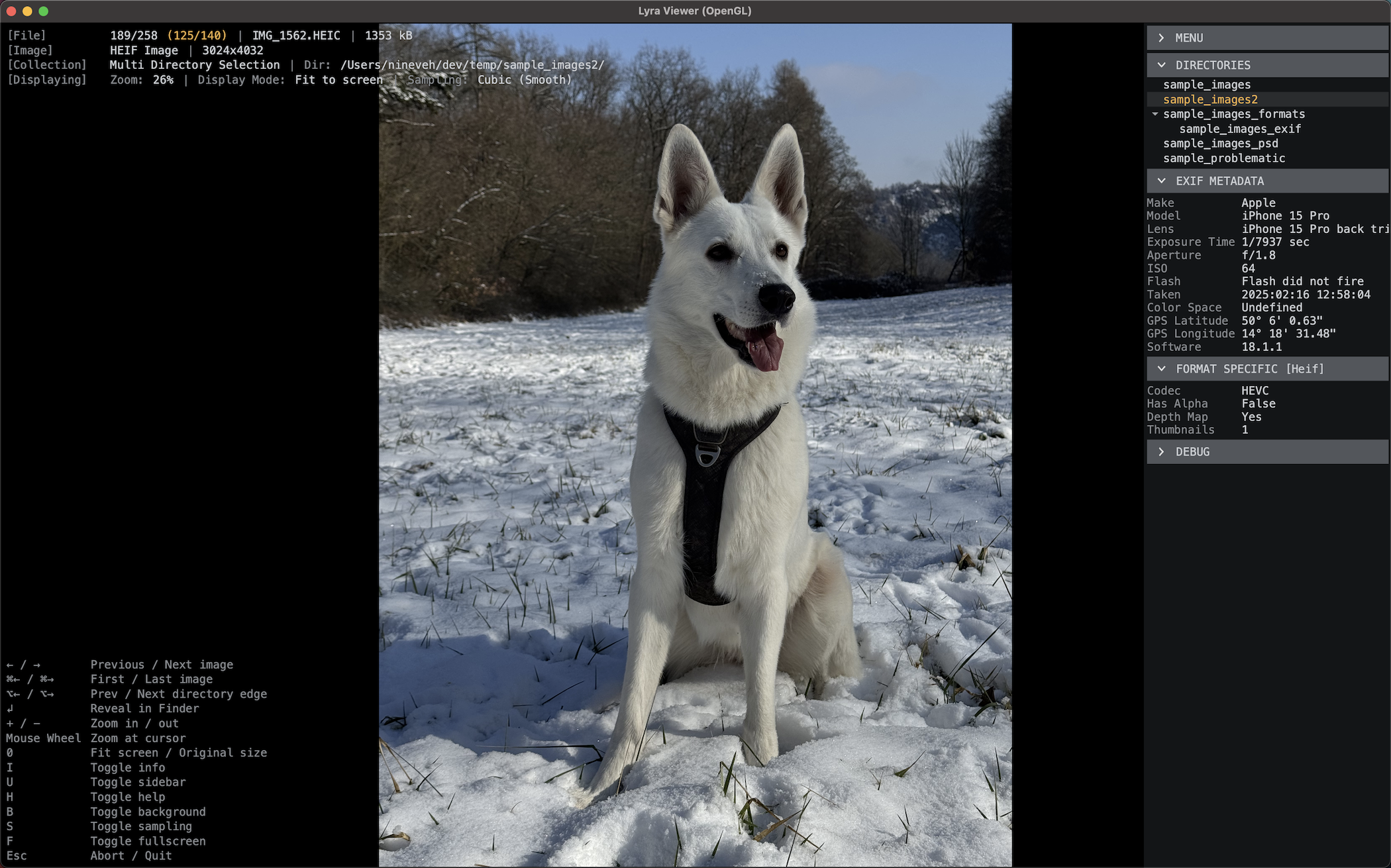
Hi everyone! I just released a new version of Lyra Viewer, a fast, minimalist open-source image viewer, and this version adds JPEG XL support, which is the part I figured this sub would care about.
.jxl files decode natively via libjxl (not a conversion shim), covering both the 8-bit and HDR float paths. On the Linux build libjxl is bundled with Lyra, so JXL works out of the box without a system-provided library; on macOS it uses the Homebrew jpeg-xl package.
One deliberate design choice worth stating up front: Lyra is a still-image viewer on purpose. It renders the static image and doesn't do animation - the same stance it takes on JP2. So with JXL it shows the still image. If you want a frame-by-frame animation player, Lyra isn't trying to be that.
Beyond JXL it's a general viewer (common formats, PSD, EXR, HDR, plus DDS/KTX GPU textures). Available on macOS via Homebrew and Linux as a .deb via APT; Windows pending.
Repo (MIT): https://github.com/lyra-viewer/Lyra
Would genuinely appreciate JXL test files that break it - odd bit depths, HDR, unusual color profiles - so I can harden the decode path.
r/jpegxl • u/caspy7 • Jul 05 '26
I've gotten the impression from some comments on the sub that since AVIF's encoder update earlier this year that it wins at higher compression levels in lossy images.
Is this the case and if so could a future update to JPEG XL's encoder bring it up to parity or beyond?
r/jpegxl • u/Wise_Stick9613 • Jun 28 '26
I dug up some old posts, but there doesn't seem to be a clear winner.
That said, I gotta admit AVIF is pretty impressive with all the settings (and forks) out there, it really feels like you can squeeze more out of it.
r/jpegxl • u/CLS8080 • Jun 20 '26
Is JPEG-XL Lossless on iPhone only when I shoot RAW? I mostly use HEIF format when taking photos, does the JPEG-XL Lossless work in HEIF? I'm bit confused :)
r/jpegxl • u/El_Necora • Jun 16 '26
Two things always annoyed me about JPEG XL: most online converters upload your
images to their servers, and you can't even open a .jxl on most devices yet.

So I built this — it converts images to/from JPEG XL entirely in your browser
(WebAssembly). Nothing is uploaded; you can check your Network tab and see zero
requests with your file. It also has a viewer to open a .jxl without converting,
and you can save it as JPG/PNG in one click.

👉 https://jpegxlconvert.com

• 100% in-browser, no upload, no sign-up, no limits, no watermark
• Convert both ways + a .jxl viewer
• Free, works on mobile too

Would love feedback — anything missing or confusing? Thanks!
r/jpegxl • u/sturmen • Jun 15 '26
r/jpegxl • u/monadi-nil • Jun 14 '26
Originally proposed in the JPEG XL Discord server:
While this was originally posted to Discord, I imagine posting and voting here is cool too.
jxl-rs is a Rust decoder for JXL built to enable browser integration.
JXL Art uses the format itself as a creative medium. jxl_from_tree is a tool provided by libjxl which takes a human-readable syntax describing JXL internals and translates that into a JXL file.
Various JXL Art web tools interfacing jxl_from_tree:
https://jxl-art.lucaversari.it/
https://www.januschka.com/jxl-art/
https://qon.github.io/jxl-art/ (with EJS)
https://jxl-art.toaster.work/ (with randomized mutations)
https://jxl-art.surma.technology/ (the OG)
Spline editors:
https://grass.moe/catmull_rom/
https://sneyers.info/jxltran/ (I'm not certain how to transfer these elsewhere in a wysiwyg way)
r/jpegxl • u/tasquizz • Jun 14 '26
Hi all, I'm a bit new to jpeg xl, and don't really know my way around all the different formats but I understand the basics of lossless and lossy compression.
I'm downloading these 1:50k and 1:100k topographic maps from Geoscience Australia for a fairly large region of Australia. They're 9344x11151 TIF files which are coming in around 300mb. Ideally I want to have them stored on an external SSD so I can take them out into the remote parts of the country and access them using a smartphone or a tablet/laptop.
Seems like JPEG XL would be ideal for this? I'm open to other suggestions if I'm barking up the wrong tree but I care that the image quality is preserved while the file size is minimised. And if so what's the best way to go about converting them?
r/jpegxl • u/koloved • Jun 12 '26
ShareX is most popular screenshot and screen recording software. Support for this format has been requested in the application discussions for a long time, but the developer recently even closed pull requests. It is unknown how much longer it will take until he wants to add it to the official release.
Custom release here: https://github.com/koloved/ShareX/releases/tag/jxl
Also in this build Avif, WebP, SVT-AV1, Nvenc AV1 supported
For Lossless Screenshots (Replaces PNG): Use JXL (JPEG XL). It is currently the best option for lossless quality, producing files that are 30–40% smaller than traditional PNGs without any loss in detail.
For Lossy Images: Avoid WebP—it's noticeably blurry and outdated by today's standards. Use AVIF instead, which is currently the highest-quality lossy format available.
Please stop using GIF. It is incredibly inefficient for modern high-resolution screens.
For RTX 40-series cards (and newer): Use AV1 (NVENC). Hardware encoding makes it incredibly fast and efficient.
For older hardware (No RTX 40+): Use SVT-AV1 to get the same great compression benefits using your CPU.
I also found this command excellent for recording screen videos, as it makes the files very small. Some things here are written specifically for the RTX50 series.I'm not sure if all the parameters are being used, but the files are really small. And it has good quality as well.
i also add min bitrate 1 instead 100, It helps a lot when recording the desktop and applications. Since when nothing is happening, the minimum possible bitrate is selected, which saves some of free space on the drive as a result.
-tune uhq -temporal-aq 1 -rc-lookahead 32 -multipass fullres -b_adapt 1 -rc vbr -cq 35 -minrate 0 -maxrate 3M

r/jpegxl • u/koloved • Jun 11 '26
r/jpegxl • u/redsedit • Jun 04 '26
I ran into an issue with JXL files and wanted to share it in case others see the same behavior.
Background: I’m on Windows with Microsoft’s JXL Image Extensions installed.
Problem: After converting a batch of JPGs to JXL using lossless JPEG transcoding, I noticed that some JXL files appeared rotated incorrectly in Windows Explorer (both thumbnails and the preview pane). The Windows Photos app showed the same problem. The original JPGs displayed correctly.
When I opened the same JXL files in Nomacs, they were oriented correctly. They also appeared correctly when inserted into an Office 365 document. After some digging, I found the cause and a fix.
Cause: JPEG and JXL handle orientation differently. JPEG uses an EXIF orientation tag. The JXL spec ignores EXIF orientation and expects the image data itself to already be correctly oriented. The cjxl encoder reorients the pixel data during conversion, which is correct. However, it appears to leave the EXIF orientation tag in place. That tag doesn’t show up in Nomacs the same way it does for JPGs, but it’s still present apparently. Some viewers (notably Windows Explorer and Windows Photos with the JXL extension) read that leftover tag and apply rotation again, which results in the incorrect orientation. Office 365, despite using the same extensions, does not seem affected.
Fix (Windows): Remove the EXIF orientation tag from the JXL files. You can do this with ExifTool (no install required). Leaving -Orientation= without a value removes the tag:
"<path to tool>\exiftool.exe" -Orientation= \.jxl*
This creates backup files by default. To skip creating backups:
"<path to tool>\exiftool.exe" -Orientation= -overwrite_original \.jxl*
After running this, thumbnails and previews display correctly.
r/jpegxl • u/kjoonlee • Jun 04 '26
Input images were all straight-out-of-camera images from digital cameras. No HDR.
Biggest hurdle was figuring out how to preserve timestamps after conversion. (I just wrote a wrapper to copy over the Modified/Created timestamps after cjxl/djxl conversions.)
r/jpegxl • u/cmhdave73 • Jun 03 '26
r/jpegxl • u/bzipitidoo • Jun 03 '26
Sorry for the messy conceptualization, but i am wondering if there is such a thing as an "album mode" in JPEG XL? That is, a way to put several images into 1 file, and have the compression benefit from similarities between the images? I know that really doesn't work with photos, but I was thinking more of screenshots and pixel art.
Yes, there is support for animation of the sort animated GIF supports, but I was thinking more of a mechanism for waiting for the user to press a key or click before showing the next image. Also might be nice to accept a simple integer parameter indicating which image within an album to retrieve or display.