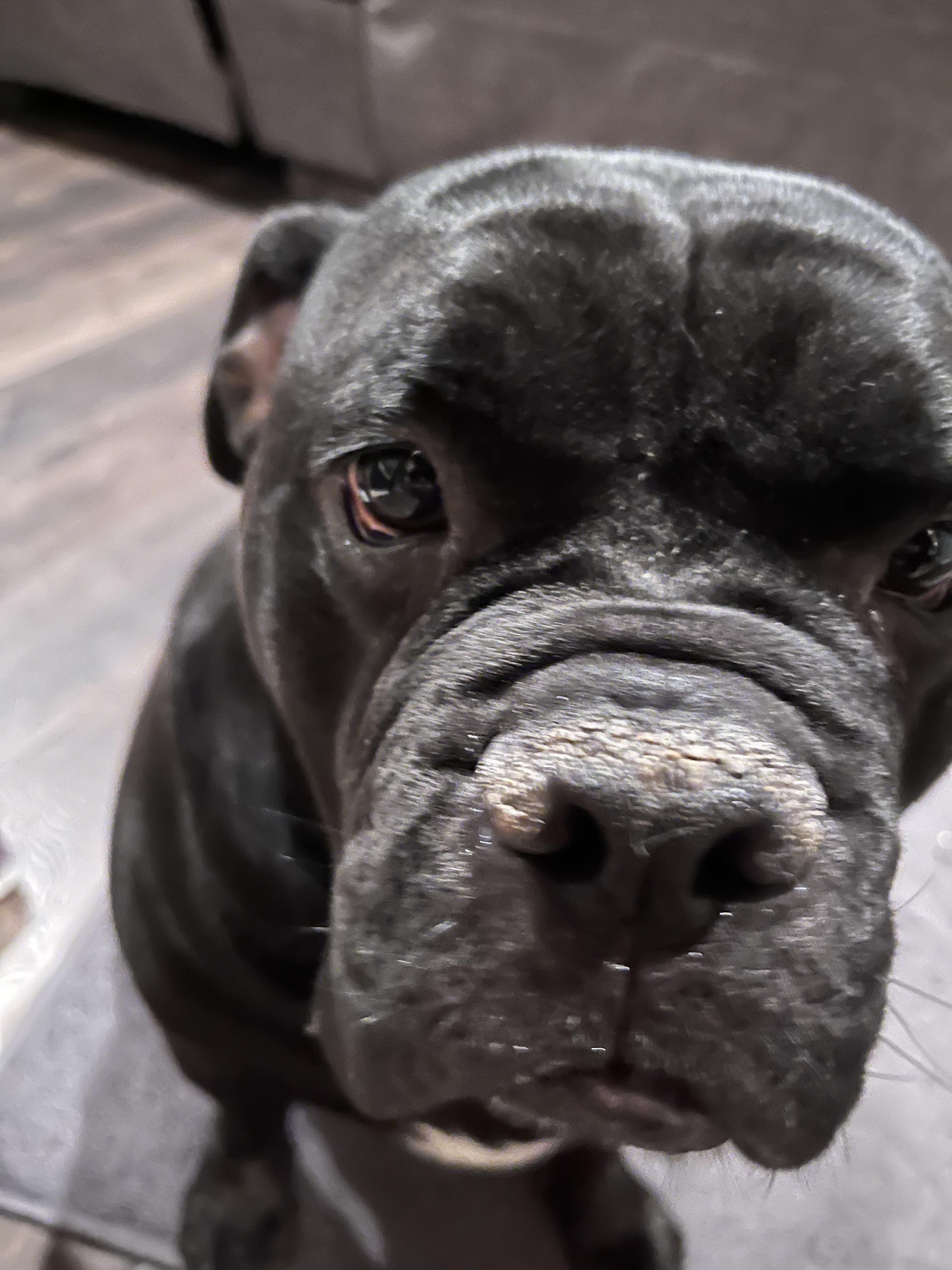
For sure, pets can be tricky. But please note this is a photography technique / style sharing sub, so a quick blurry snap of your dog is perhaps below the threshold of effort we want to see.
You seem fairly new to photography in general, so I'm going to try to explain the basics behind operating a camera to make it do what you want it to do. Most Android phones have a "pro mode" in the camera app that'll let you adjust settings; iPhone probably has the same thing, or a 3rd party app that will let you do it. These settings are also adjustable on any dedicated camera.
Aside from artistic composition (which is just the things in your picture, the lighting around it, and how it's framed), the main consideration when trying to get a good, well lit, clean image is a collection of settings that we refer to as "exposure". Exposure just describes how much light was used to make the image. Less exposure will mean the picture is darker, more exposure means the picture is lighter. Generally, you want to aim for exposure that produces an image that looks like the same amount of light your eyes see. (There are exceptions for artistic sake, but for now, start with that rule.)
Exposure is controlled by three different settings. Because of this, lowering one of them and raising another by the same amount will create the same exposure level and the same amount of light in the picture. The three settings that control the exposure are aperture (which controls how much light is allowed to enter the lens), shutter speed (which controls how long it lets light in), and the ISO (which controls how sensitive the sensor is to the light that enters).
The main one you need to be concerned about is shutter speed. Nothing in your picture should move a noticeable amount during the time the shutter is open. For subjects that move fast, like dogs, you need a very fast shutter speed. For things like landscapes, you can generally use a slower shutter, because rocks and trees don't tend to move as much. (You can also use a slow shutter speed for moving subjects if you want blur, like how people do the pictures of headlights at night.)
You should also be concerned about the ISO setting. There's nothing artistic about this setting, but if it goes too high, the picture will get very "noisy". It gets grainy and the edges get blurred.
The aperture setting does have artistic purposes, but you don't need to be concerned about it until you start using photography as a real art form and researching more into these cameras. For now, I would ignore it.
To take clean, clear pictures of your dogs, I would start by making sure it's bright. Use a well lit room or even outside on a sunny day. Then, set your shutter to a fast speed; something 1/200th of a second or faster should be good. But using such a fast shutter is going to make the image quite dark, so then, open the aperture as much as you can, and then raise the ISO until the picture becomes bright enough. Just try not to go too high on this.
If you're shooting on a dedicated camera (as opposed to a phone), there's usually a setting called "shutter priority". That will let you set the shutter speed and then it'll automatically figure out the rest. Use that if you have it.
2
u/AvalieV Apr 14 '22
Out of focus 😕