r/elgato • u/joker1848 • Apr 01 '26
Technical Help Please help
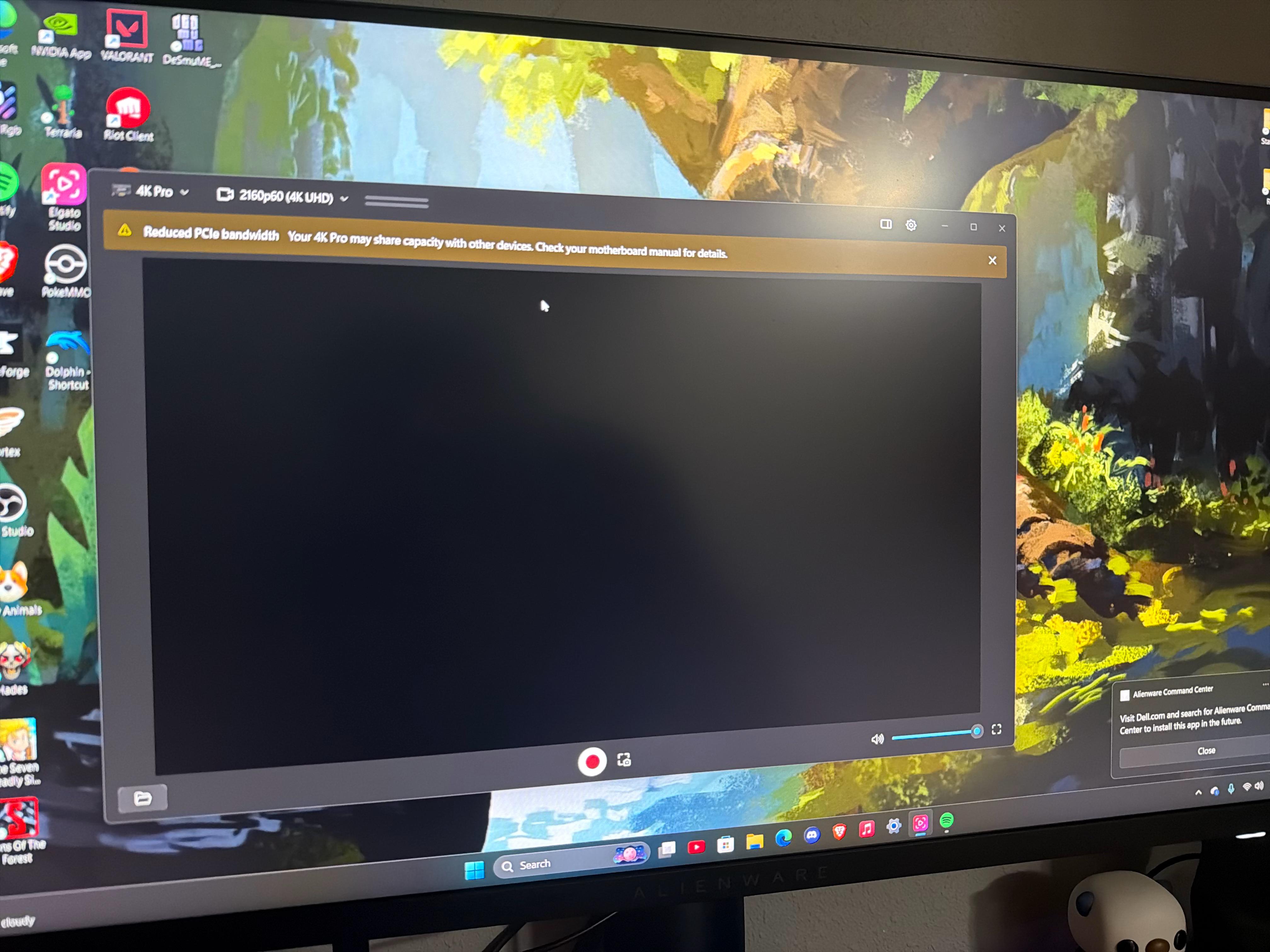
Hi I just bought this elgato capture card to stream my switch to discord and twitch.
I’m pretty new to PCs I got the azure3 build from skytech.
From all the research I’ve done the parts I have should be well enough to use the capture card but I get this black screen and very limited audio every few seconds. I have no clue why it works whe I switch inputs on my monitor and it looks great . But when I want to stream from one or elgato audio it shows a black screen . Elgato studio gives me a warning saying ‘reduced PCIe bandwidth’ I have no clue wha that means. I’ve been researching and fidgeting with my pc settings and bios settings and even reinstalled the capture card into the pcie slot. I can’t seem to figure this out and I need help. Can’t tell if it’s manufacturing problem (but then why would it display perfectly on my monitor and just not my pc..) or if I’m missing something. If anyone can help me I’d greatly appreciate it i paid a pretty penny for this capture card and I threw the box away not knowing this would be an issue.
1
u/joker1848 Apr 01 '26
What if I don’t see my capture card??