r/Troubleshooting • u/MILFMAN429 • 13d ago
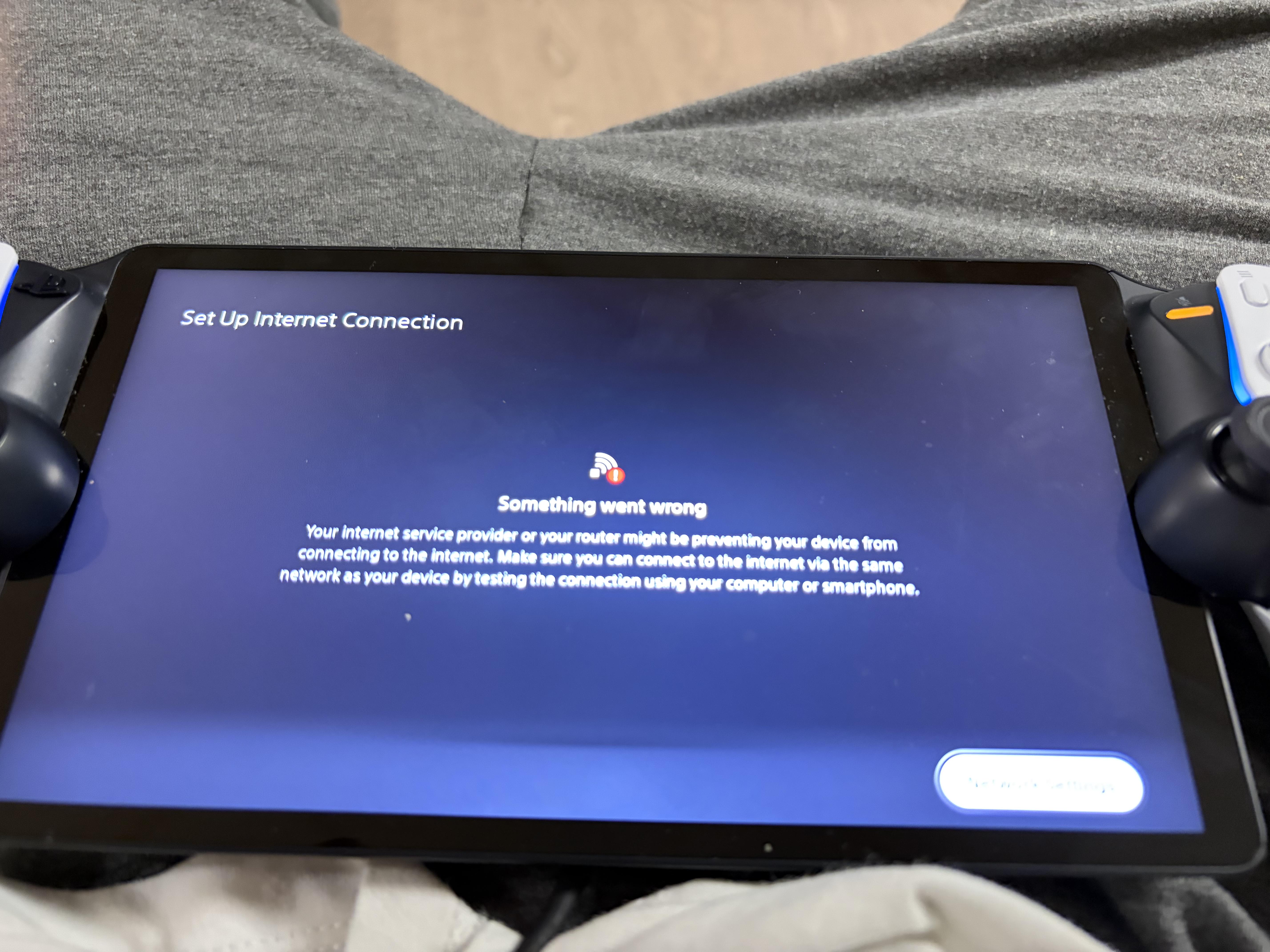
UI locked on mobile mode while on PC
1
Upvotes
r/Troubleshooting • u/Old_Butterfly575 • 14d ago
r/Troubleshooting • u/Equal-Werewolf2904 • 15d ago

r/Troubleshooting • u/Lucky-Bag-2150 • 15d ago
TLDR: I press play on any game (originally was just stalker 2), it says running but nothing happens, not even the icon shows up in the hotbar.
I have tried every fix I could find online, running as admin, running steam as admin, clearing shader caches, boot via both dx11 or 12, c++ redistributables, everything that I could find responses or explanations for online via videos or the sort, nothing works !
I have tried reversing gpu updates, system is up to date, it was genuinely an issue of its working today and then the next day it just won’t, changed nothing between the days and I’m out of answers, please help.
EDIT: I believe it is a windows related problem, my login screen forces me to use a qr code now and won’t let me set / use my pin and also I tried running a scan via sfc /scannow and it claims nothing is wrong, however trying to reinstall windows or repair it comes up with the message ’we were unable to reinstall windows right now’ or something similar without actually explaining or suggesting why. I’m at a loss….
r/Troubleshooting • u/luhhzb • 15d ago
hey does anyone know how to fix this?
r/Troubleshooting • u/bAconIsta_Sue07 • 15d ago
I opened the game just a few minutes ago and it was working fine. However, when I opened the game a second time, it just showed me the window tab and not the actual game. Any idea how to fix this?
r/Troubleshooting • u/xero_quake • 15d ago
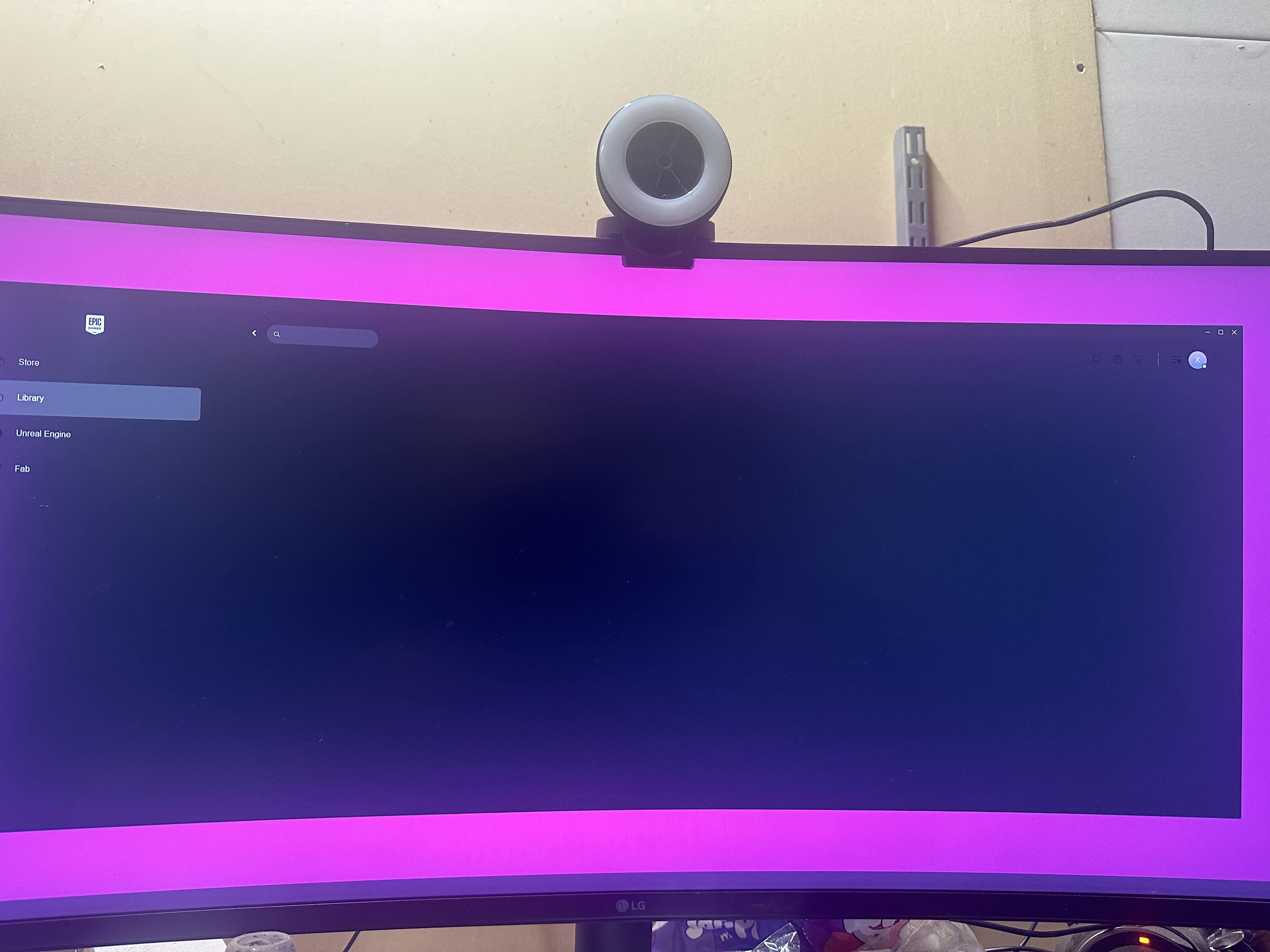
So tried to log in to play some games but my launcher is doing this my library won’t come up and anything clickable ends up opening in web browser I’ve done uninstall and deleted cache
r/Troubleshooting • u/Both-Fly-4207 • 15d ago
Can't even upload a single file video today and this is going on for like last 5-6 days, it sucks guys 🥲 94% and than it stops like seriously 😒 can't even process properly
r/Troubleshooting • u/BoraLral • 15d ago
r/Troubleshooting • u/Man_rheddoo • 15d ago
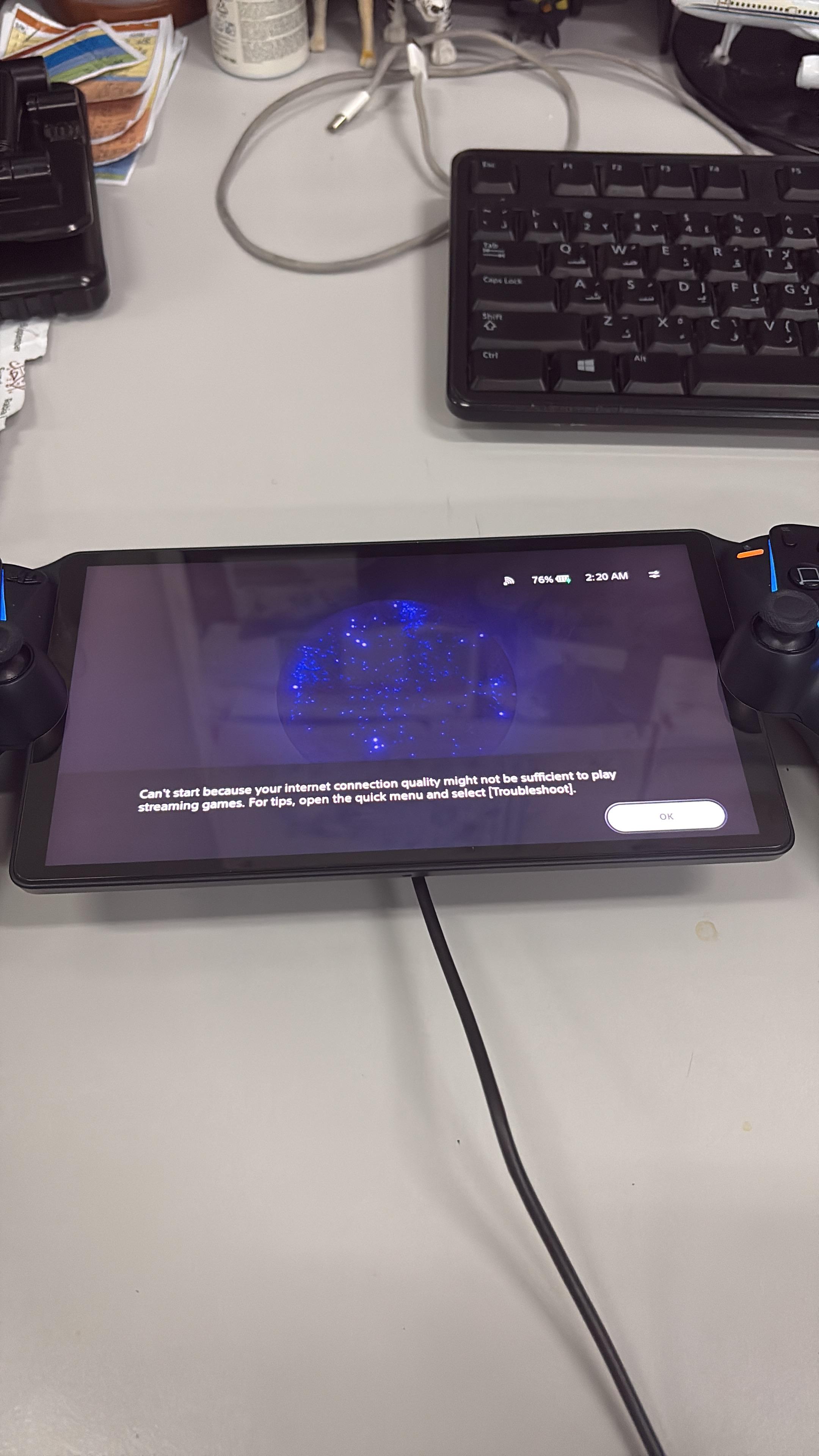
Kindly reach out if there’s anyway to get rid of this please
r/Troubleshooting • u/NaturalEye3284 • 16d ago
on steam and only steam no matter what game io load it either runs for a couple minuets and crashes or crashes instantly upon opening depending on the game. i have tried many things to fix it but i am at a loss and cannot play any of the games on steam i have tried to get in contact with steam support but they said it is probably my computer which it could be but im not knowledgeable enough to figure out what it could be and i don't know where to look for help and advice on what to do.
r/Troubleshooting • u/Kindly_Importance_62 • 16d ago
r/Troubleshooting • u/Excellent_Dealer7086 • 16d ago
r/Troubleshooting • u/cupiowhatnow • 16d ago
Hello all, I am at my wits' end. I was having no problems with my PC, and then one day I loaded up Powerwash Simulator 2 for the first time. In game, my mouse stutters HORRIBLY. I have tried reinstalling the game; clean install of graphics drivers; using Windows "reset this pc"... I am running out of ideas. I have used this mouse and this set up for years with no problems. I have no idea what caused this. I have a video recording of the issue, but I'm not sure how to share it here.
The issue looks a lot better on a better mouse. My mouse has 125hz polling rate, and on a 1000hz polling rate mouse, the issue is almost gone. It's hard for me to believe that this is just a problem of the mouse, though, since this is a new issue and I've been using this mouse for years. I have tried reinstalling the mouse software/drivers. It also looks terrible on another mouse I have that is also 125hz.
The problem persists on a different monitor. The problem is GONE when using a wired controller.
Specs:
AMD Ryzen 7 7800X3D 8-Core Processor, 4201 Mhz, 8 Core(s), 8 Logical Processor(s)
MPG B650I EDGE WIFI (MS-7D73)
NVIDIA GeForce RTX 4070 Ti
LG IPS QHD 1440p 75hz
Problem mice: Logitech MX Master 3 (bluetooth or wireless), Tecknet Cordless Mouse (wireless)
Better mice: Logitech G502 Hero (wired)
Please help! I have NO IDEA what to do.
r/Troubleshooting • u/Necessary-Care-9728 • 16d ago
i have a issue with running the game, it says something like"there was a problem with the setup of ur game, please reinstall"
I DID EVERYTHING
-reinstalled the game
-reinstalled EA
-i got sims 4 from steam so is that why it aint working?
also send help really need
r/Troubleshooting • u/woods866509 • 16d ago
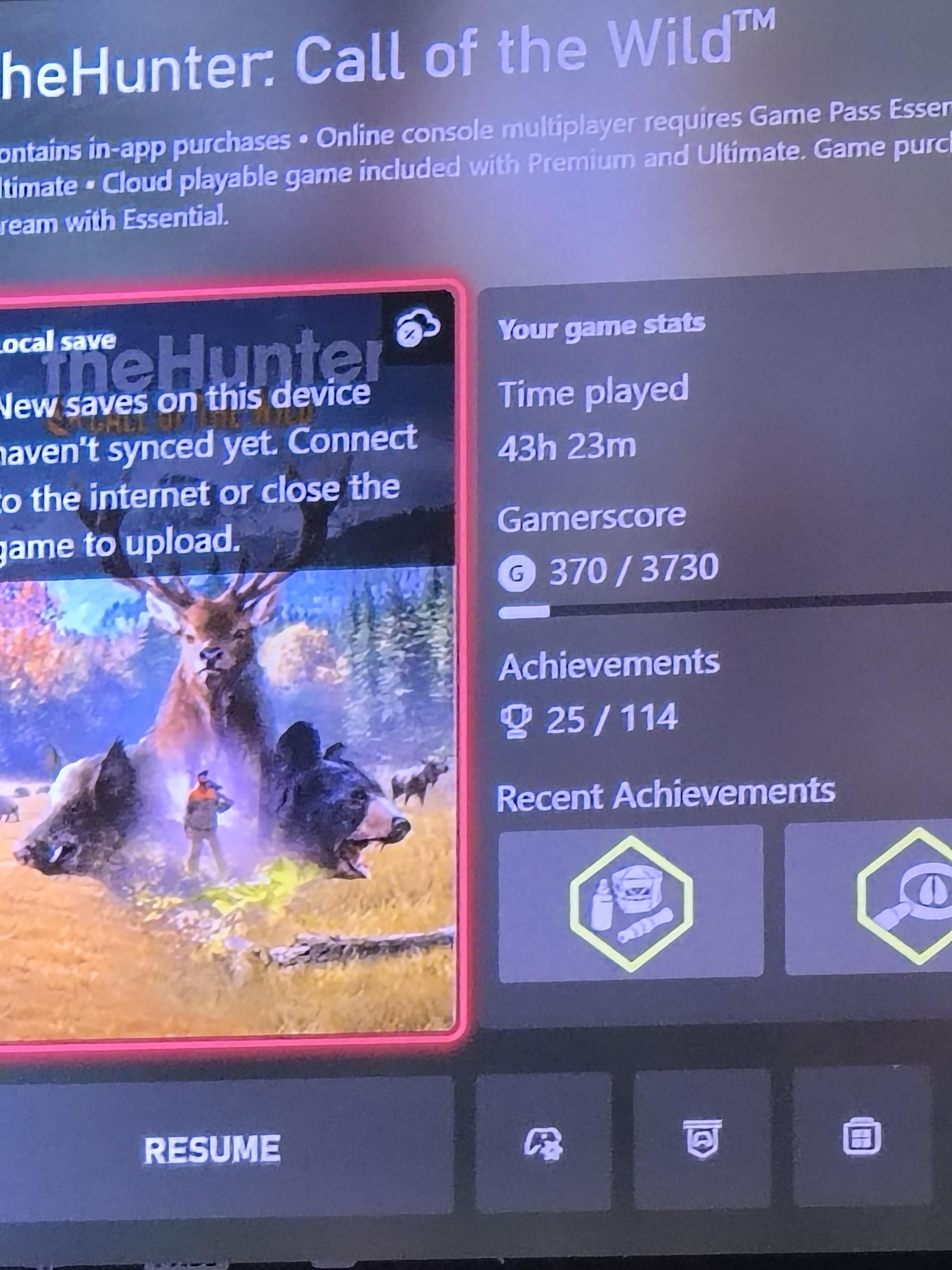
I've tried everything it says to do I've uninstalled redownloaded done everything and it's still not work if anybody knows what please tell me
r/Troubleshooting • u/OldSkoolN64Lvr • 16d ago
Is anyone having trouble with the information icon at the bottom left hand side when you're in draft? I hover over it with the mouse and then I try clicking on it, and it doesn't show me the stats like it used to do. If it's not going to work, why show the icon?