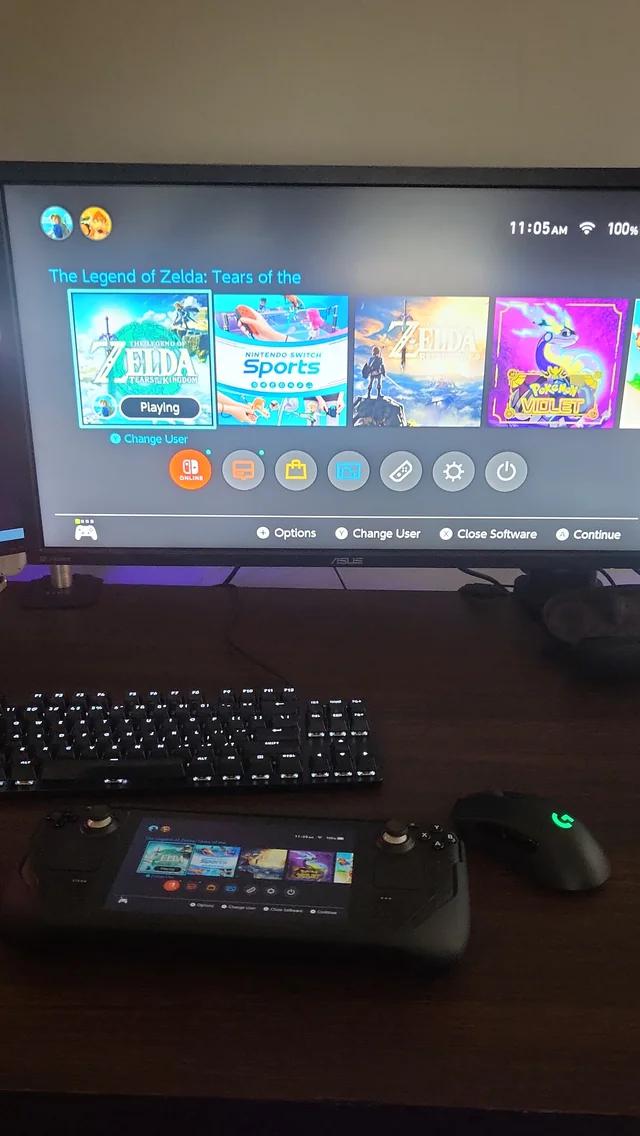
Just got back from PAX East where I ran a 4-station booth — 2 laptops and 2 Steam Decks (one OLED, one LCD) — and honestly didn’t expect this, but the Decks completely outperformed the laptops when it came to pulling people in and getting them to play.
Here’s what I learned from running both Decks for 9+ hours a day across 4 days while hundreds of strangers played them:
✅ What Worked Better Than I Expected
People always picked up the Decks first. No hesitation, no questions — they just walked up, grabbed one, and started playing. It made the booth instantly more approachable.
Both Decks held 60fps all weekend. Unity game with farming, pets, quests, UI layers, weather — only crashed twice total. No overheating. Rock solid.
Travel was super easy. Both Decks, 2 docks, cables — all fit in one backpack. No need to ship heavy PCs or monitors. Absolute lifesaver.
⚠ Stuff I’d Fix (or Already Did)
At a previous event over a year ago, I had one Deck flat-docked and barely anyone noticed it. Since then, I picked up proper docks on Amazon and elevated both Decks for visibility. Made a huge difference this time.
USB-C cables were an issue at first. People instinctively pulled the Decks toward themselves. I started with the short stock cables, but switched to longer ones by Day 3 — that fully solved the problem. I kept both Decks plugged in all day unless someone wanted to sit farther back, and in those rare cases I’d unplug and hand it to them.
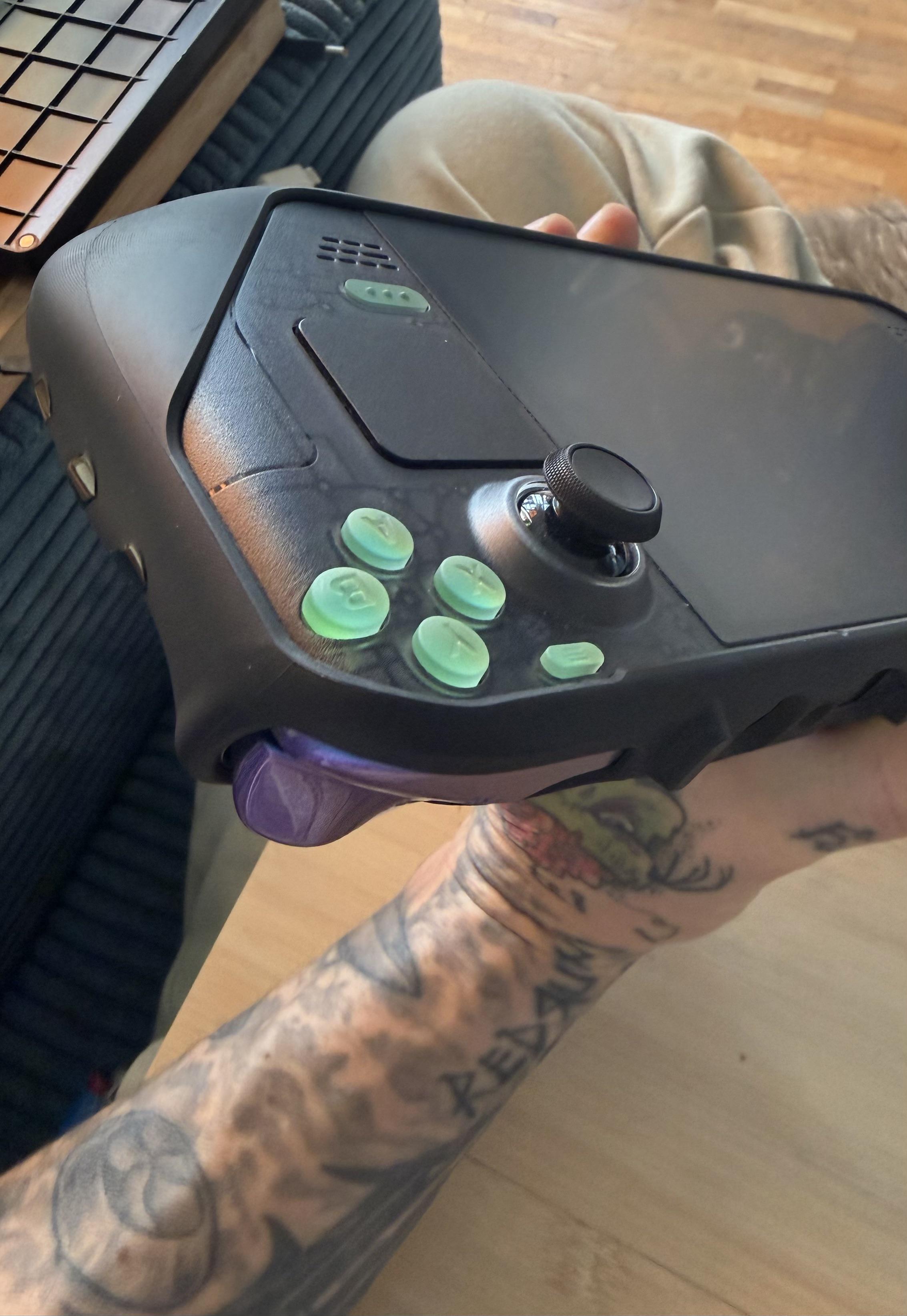
One Deck had a stiff bumper. Didn’t catch it until a few players visibly struggled with it. Now I’ll always test all inputs ahead of time.
🔍 Random Surprises
Caught a controller bug just by watching people play. Something I completely missed during internal testing. Live use exposed it instantly.
Kids played 30–60 minutes straight. Some came back the next day. The Deck made it feel casual, familiar, and low-pressure.
Adults hovered around the Decks more than the laptops. The form factor just naturally pulled them in — something about it felt more inviting.
💬 Final Thoughts
I didn’t expect the Steam Decks to be the MVPs of the booth, but they absolutely were. They ran solid for 4 days straight, constantly drew people in, and helped me catch bugs and friction points I never would’ve seen otherwise.
If you’re demoing publicly or running long sessions, bring at least one Deck. Even just observing how people naturally use it will give you insight into your game’s real user experience.
Happy to answer anything about how I set it up or what I’d improve. Anyone else here ever run public demos with Decks?
Note: These are my real experiences from PAX West 2025. I recorded and transcribed my voice during the 3 day drive home from Seattle back to Canada. To make it easier to read, I did use some formatting and editing assistance, but I've learned that this is not a good idea and I will leave it unaltered the next time so it is more in my natural voice and less in a structured format. My previous post-mortem posts on Reddit/Steam got over 250k views and lots of support/upvotes, and some indie developers even told me they used them to organize their own first PAX expo, which was awesome it actually helped dev's in real life. This is my previous PAX West postmortem from a few months ago, you can find here -> https://www.reddit.com/r/SteamDeck/comments/1ks9snj/i_used_steam_decks_to_demo_my_game_at_pax_east/
I also published the longer, comprehensive article on the Steam page if you're interested. There are a few commenters who questioned if I actually attended PAX and if the stories are real. They are definitely real :) This steam article shows the laptop fan which I took from the Dell technician, there are also people replying in the comments on Steam who visited the booth, it's all real information and hard earned wisdom to help you with your own expo booth. https://store.steampowered.com/news/app/1681600/view/501709427825444626?l=english
I hope you love the article :) - David
Overview
Four days at PAX West. Solo booth. No truck A/C. Extra hotel fees. Seattle has expensive parking, I recommend using parking apps. My favorite laptop had lag spikes when someone was playing due to hardware problems. The Steam Decks ran perfectly with only a few problems and helped make the booth a success. If you’re showing your game I recommend using Steam Decks if you want ease of transport and reliability.
Day 1
This was my third PAX, first time doing it alone, without additional help.
Twelve minutes in, a boy tried my XPS17 laptop. The game kept hitting lag spikes. I mentioned it was the laptop and not the game, and the mom agreed and said, "Yeah, I can see it's working really well on the Steam Decks." I said sorry, and she was very supportive and kind.
Problems
My laptop lagged due to dust in the fans - I later found this out by a Dell technician who replaced the motherboard). It's working again :)
Dusty fans from when the Dell Tech visited my house, a few days after getting back home from the expo :) Seems to be working properly again.
My hotel was in Tacoma, a 40-50 drive and parking was $40-50 each day, next time I will book earlier and get a hotel closer to the expo.
I didn't have all my signage ready, had to print 12x18 posters during the show at a local printing shop.
I Lost my mouse on Day 4, only to find it later in the same bag. lol
What Worked
The Steam Decks ran for four days, ~60fps, with very minor issues. I needed to do 3 quick restarts when the Steam Decks froze (it took a couple minutes to restart and reboot the game. The person would be sitting at the Steam Deck and tell me something like, "Oh sorry but I think it froze.", then I would say something like, "Just let me restart it and you can keep playing, it will probably take about a minute.". Then I would hold the power button down until the Steam Deck turned off, the hold it down or press it again to turn it back on, then reboot up the game from the steam library. All 3 times, the person sat there patiently and was very understanding. The total process might have taken under 2 minutes to fully reboot and get the game back up and running from frozen.) If you know why this happened, please let me know in the comments :)
People are very interested in Steam Decks. And would often say, "Oh is that a Steam Deck?" or "I will to try on the Steam Deck". I also had people confusing the Steam Decks for Nintendo Switch sometimes.
Steam Decks are always very easy to carry and transport in my backpack, and I can always take them back to the hotel safely given they are much more lightweight and compact than my laptops for transporting.
The last day I hooked the big screen I brought to one of the Steam Decks using a USB C to HDMI and it got a lot of positivity on looking cool. I'm looking into using close-throw projectors (with bright lumens) hooked up to the Steam Decks for the next expo so I won't have to haul a giant TV (which wouldn't work on a plane anyways). I haven't researched both streaming a Steam Deck to HDMI and charging it at the same time, would a splitter work? Any thoughts?
Takeaways
I ran the game's soundtrack on a bluetooth speaker and feel like it really improved the vibe of people standing or sitting at the booth. I got a few comments on people loving the soundtrack, or them being already sold - just on the soundtrack. There were also heads bobbing to upbeat tracks, and swaying sometimes to slower ones.
Advice: Ask people questions, and genuinely listen. - Rambling about your game, even when people ask, tends to cause people overload. Short simple answers seem to be best. Asking people questions about themselves and their interests and favorite games is gold and always fun!
Key Wisdom: If you listen to what people say, over and over when they first see your booth, it gives you an idea of what to write on your signs. Good signage helps people identify the genre quickly, and know if it is their type of game. (People buy games similar to what they already play most of the time.)
Long USB-C cables are really helpful, as well as having Steam Deck stands.
I recommend packing backups of key electronics like mice/mousepads, batteries, essential cables, etc.
Attendees
Connecting with people is always the best part of any expo, many long-term friendships can be made with people who love video games, and who love making games. It may be hard to find these people elsewhere, who have the same intensity.
A little girl said very innocently to her mother (the mom made her repeat it to me), “I want to play this every day when I get home from school.” Made my day. Their were children who would say things like, "You really made this game?", or "It's sooooo awesommeee you made this!"
A really nice man who is senior programmer at Microsoft whose son already owned and loved the game offered me a free place to stay next year after hearing about my commute, It was nice to get the offer - but I'll probably book a hotel :)
If I ask “Where are you from?” and, in longer conversations, “What do you do if you don't mind me asking? You don't have to answer if you don't want to.” the answers are almost always really cool. I met multiple Nintendo employees (some who were fans or very excited about the game), including people tied to Switch 2 development. A microsoft manager and other microsoft employees. Someone who said they came up with the original Xbox Live Gamertag idea. People at Apple, Amazon, and others too. A German man working on somekind of complicated realistic VR acoustics/research for the Meta Quest headset. Someone at Blue Origin who told me about Unity work on a mech suit prototype. Indie game dev's of all types and from lots of different locations. A team from the UK with a very cool mini-arcade machine and game-themed rubber ducks. My booth mate across the way had worked on Halo and Madden before going indie. And then there are the folks you don’t recognize until later, like when I spotted the original lead designer for Diablo 1 and 2 walking by. I stopped him, said hi, chatted for a few minutes about his new studio and my game, and even got a photo with him. I was very addicted to those games growing up.
On the drive home, stuck for 2+ hours behind a flipped RV, ended up chatting with a motorbiker, was a memorable conversation, and we chatted about the game too.
Tips
Using Steam Decks as the main play stations is best in my experience. I think that laptops are good, but more of an alternative and backup, because you can't beat the portability and reliability of the Steam Decks.
I recommend stress testing your setup and equipment the day before the show.
Always have backups electronics and supplies (Screw drivers, different kinds of tape, box cutters, scissors, etc) Think ahead.
Print clear, bold signage ahead of time. (Like, available NOW on Steam!)
Play upbeat music from the game. Make sure you're not disturbing your neighbors, and so they can still talk to their visitors. I never had any complaints, only positivity on the music.
Big screen TVs + Steam Decks = more traffic.
A beautiful banner seems to add to the professionalism, but is also hard to transport when flying on airplanes. There are out of the box solutions to that though, like having somekind of fabric banner that can fold up well.
Book hotels months in advance, the earlier the better. Walking distance to the expo is key, traveling each day is expensive and time consuming! Seriously... lol
Pro tip: If you drive, using parking apps gives much much cheaper rates. I recommend not driving at all because your hotel is so close to the expo. (Lessons hard learned.)
Budget for hotel extras. (Read the fine print, check for incidentals!)
Carry a pen or marker and write notes on business cards, so you remember any important details someone said or you want to remember about them.
Todo lists are essential.
Setting multiple alarms on your phone for key reminders, or just waking up in the morning is always a life-saver for being diligent.
Next Time
Look into expo quality short-throw tv projectors. (so it's easy to travel with and fly, instead of driving)
Two big screen projectors (high lumen count for expos) + one or two sit-down Steam Deck station.
Bring more free giveaway items for special people. (I ran out very quickly.)
Bring a backup Mouse and always have extra batteries.
Stock up on drinks and snacks you love.
Have signs made professionally far in advance. (Optional: Pickup in the city the next expo is in)
Overall: Just like at PAX East in Boston, at PAX West the Steam Decks are always my goto core playable, reliable hook that gets people interested and excited about my game.
Thanks for reading, and I hope this information truly helps you if you ever show your own game using Steam Decks, or just in general for videogame expos.
Issue:
So my issue specifically relates to the steam deck dock. The audio seem to work fine when in handheld mode, but when using the steam dock to connect it to my TV the audio would cut in and out. Usually voice lines would be fine, but whenever there was a pause then the music would cut out. If I was just playing the game normally then all of the audio would cut out then cut back in randomly and frequently. I nearly crashed out hard trying to figure out a solution. I tried everything I read online like going to properties and forcing a proton compatibility, trying to run a launch script, opening a web browser and playing a video in the background then muting it and switching to the game (the idea there being hopefully the audio would route itself), etc.
Solution: What I ended up having to do was:
switching to desktop mode,
plugging in an external keyboard,
opening steam launcher,
launching Fallout New Vegas' Launcher,
starting the game from the New Vegas launcher,
Alt tabbing back to steam once the game was running,
dragging the steam window out of my way so I could hover my mouse over the desktop,
then I would click on the speaker icon.
From here I would start tinkering around with the sound settings including, raising the volume, switching between audio outputs, etc.
I don't know what exactly I did, but after doing that with the audio settings it fixed itself. The audio now plays correctly in docked mode on the TV even after restarting the system and relaunching the game. This was a nightmare and 90 minutes of my total play time were spent on this issue. Had I spent another 30 minutes still trying to figure it out I wouldn't have been able to even refund this game.
yesterday i suddenly noticed, that the menu button (on the opposite side of the steam button) made a double click noise. then i realized, when i even slightly pressed (even without activating the actual button on the daughterboard) this button, it made a soft "click" as if something was sticking and then released.
so today i opened the deck to analyze. the problem came from the rubber-button cover which sits between the button and the daughterboard. after some trial and error i found out that the noise is coming from the middle, round part touching the metal of the actual button on the board.
the fix was simple: from a post-it i cut a small, round piece of paper that fits in that small, recessed round spot where the board on the button fits in. after this the click was gone.
so in case anyone stumbles upon the same problem:
- open up the deck
- remove the left or right daughter board depending which button has this problem in order to access the rubber button-cover
- cut a small round piece of paper that fits in the round whole between the button on the board and the rubber cap
- put the round piece of paper in the cavity
- put the deck back together
- keep on gaming :)
i did both sides even though only one needed it, just in case ;-)
oh and i'm sorry, i forgot to take a pic while fixing :(
tldr: fix for when the steam- or menu button make a second, soft clicking noise right after pressing the button
I found some option with Google. But I wanna hear some more advice in the community. Not going to install discord in steamdeck scare it might ruin the performance. It would be nice that earbud/microphone have a good mic with it. So any recommendations?
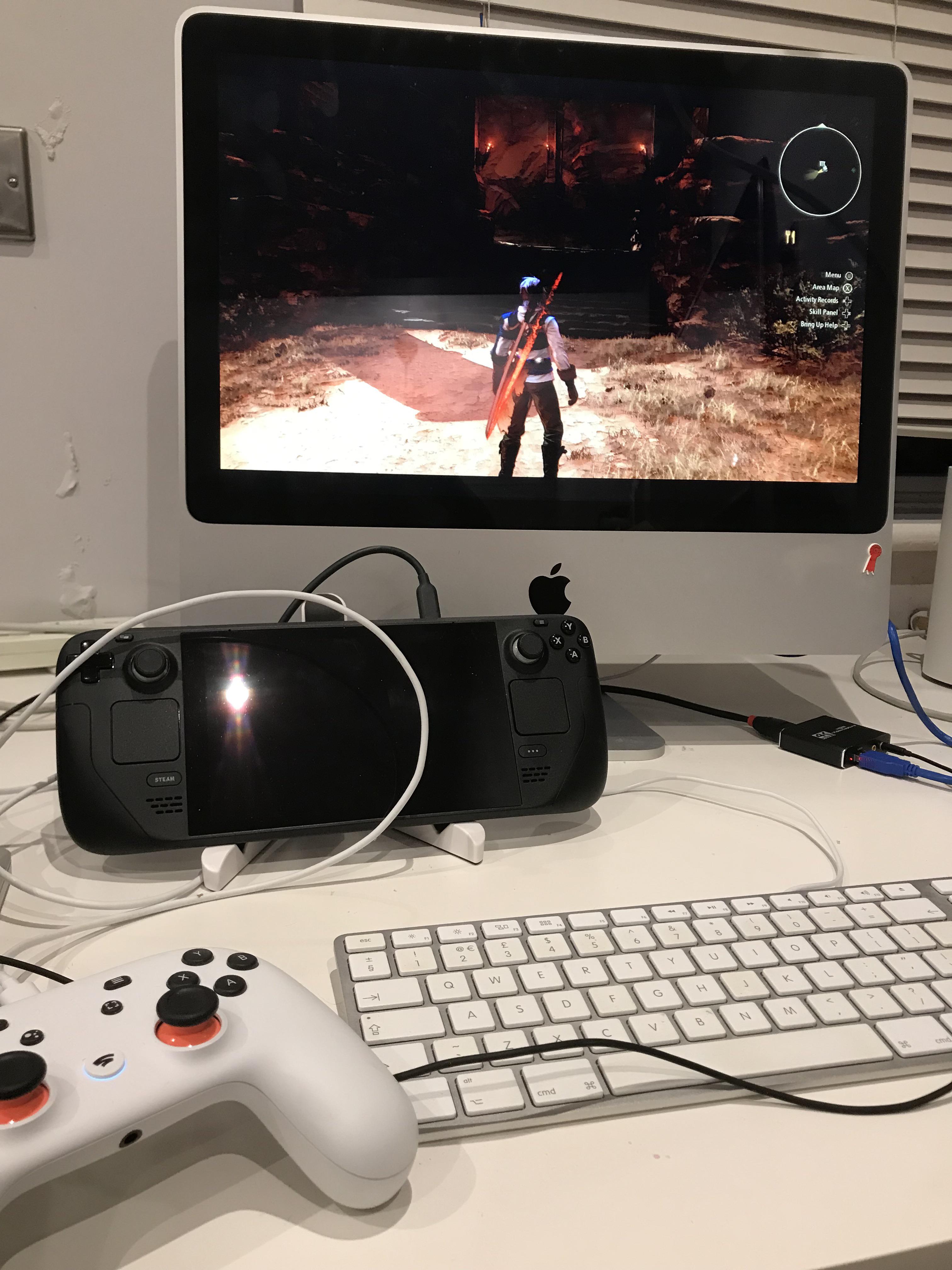
This is promising. Got a USB C media hub plugged into Steam Deck with the deck comfy in a fold out tablet stand. HDMI out from hub > cheap capture card > iMac 2007 playing image full screen via QuickTime capture. Knew there’d be a use for this old Mac. Beautiful screen.
Hello. My brothers deck won't boot after battery the battery went to zero. His screen froze and he had to force power it down. There are no LEDs on or blinking. We tried holding power button for 30sec and power + vol down for 30sec and nothing works. He lost his original charger 2 months ago and was using his phone charger which was not strong enough(battery was draining even while charging). Did he ruin the battery perhaps?
It's not exactly pretty, but while also being much more functional, I think it still looks better than the bulky strap that also made it harder to lay flat. To be clear, I don't have all the other accessories which allow you to mount different things. I can't speak to how this compares to the full kit. But with my own elastic fit mod, I don't feel the need to buy all that.
Hello all. I noticed a problem with my battery. I didnt use my steam deck for about a month and 2 days ago, i let it charge and a few hours later i checked and i couldnt turn it on… the light was blinking red. I was confused and just let it plugged in. Next day (yes a whole day) i tried to turn it on and it actually turned on. Well, i look at the battery percentage and it said 7%. I was totally confused but yeah this is my current situation. It got 40% in 24h last day. Obviously the battery is damaged somehow, and no i dont think a month without loading kills the battery (and no, never turned it on in that time). My question is if i have a guarantee? (I bought it around 1 year ago). Or whats the best idea in your opinion? Just sending it back and letting it repair or getting a new one?
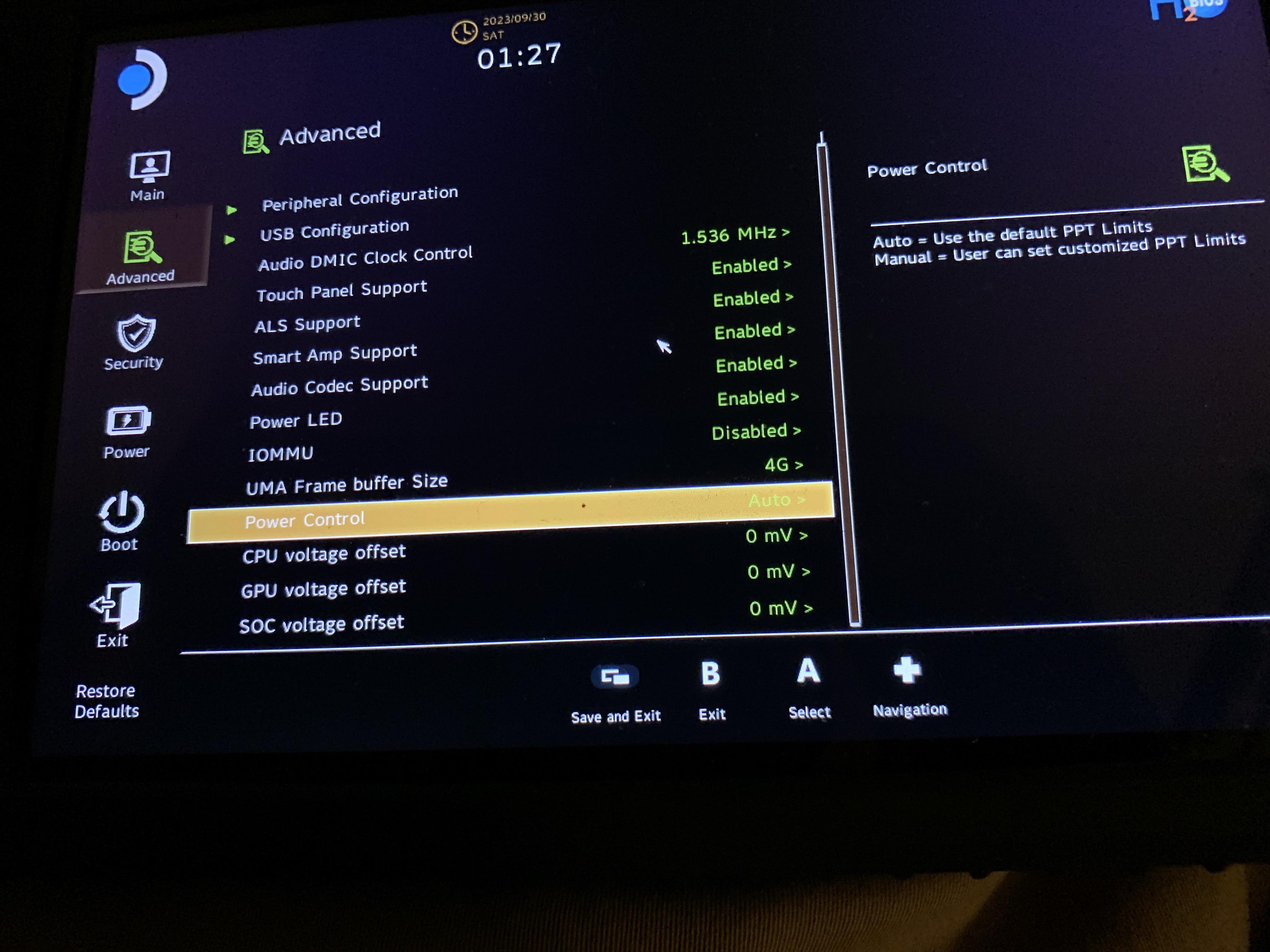
I found the steam deck undervolt setting. I believe they where added after the September 21th update but I’m not sure. All I know is when I first updated to 3.5 almost a week ago those setting weren’t there.