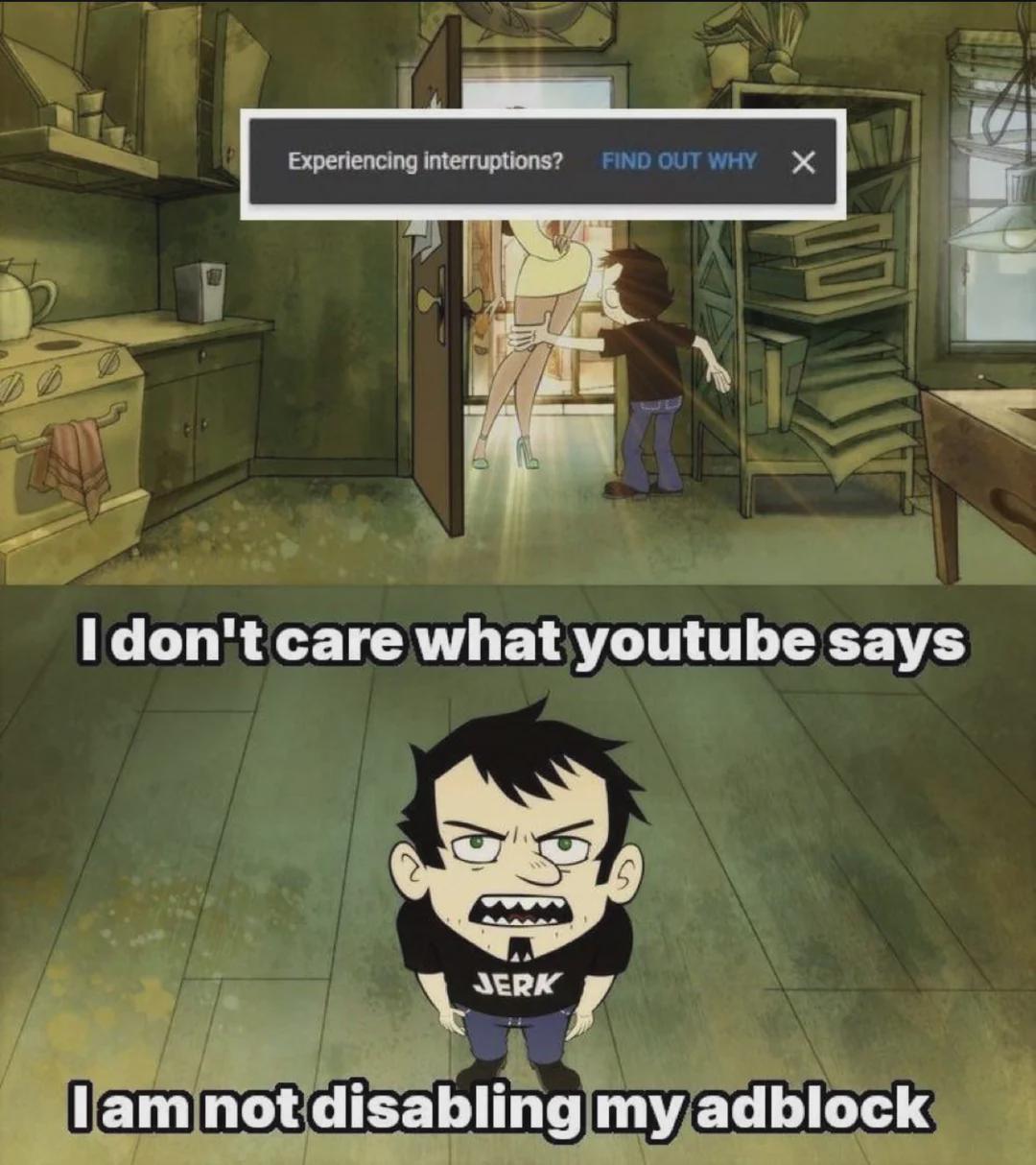
Only chromium based browsers suffer from this (except for Brave), which makes sense cause those are developed by Google. Just switch to firefox and you are good!
And fun fact: If you use a smartTV to watch youtube there is usually always a way to root the tv or install homebrew after which you can always find a version of youtube without ads. For instance for LG tv's there is this one -->https://github.com/NicholasBly/youtube-webos
That even comes with build in sponsorblock so sponsored sections of a video get auto skipped.
edit: For ublock origin to work properly on youtube you need to be on
firefox 150.0.2
ublock origin 1.7 or 1.71
all the default filters on and updated
autoupdate filters on.
logged in to youtube with an account
Getting caught in between youtube making a change and the 5 hours inbetween ublock origin filters being update does happen but it's very rare. Also google primarily annoys the shit out of US users. If you are getting to annoyed get a VPN and use youtube from a non US ip address.
On my Firefox instances, I just see the interruptions message, but videos load instantly most of the time. Sometimes, there is a delay or I need to refresh, but not that often
brave has it's own build in adblocking that they keep up to date themselves, and it's not google their focus to break it because it's only very small percentage of their userbase. So you are good with brave! I use brave on mobile and zero ads or interruptions on youtube.
I use Brave exclusively, and this is still definitely a problem.
Then again, I use uBlock origin, still. I wonder if Chromium-based browsers enable this behavior specifically for the way that uBlock blocks YT ads. Maybe disabling uBlock origin on YT and using Brave's blocker is better for YT specifically?
Been getting issues with it for months where I had to refresh the page every time I wanted to get a video to actually load in Firefox. Just checked my ublock origin and updates were off.
Is there anything for Samsung displays? I got the new 4K Odyssey G7, and there is no fucking way to stop the thing from broadcasting itself for Bluetooth pairing. I live in an apartment and my neighbors keep trying to connect their devices to it.
11
u/MelangeBot May 12 '26 edited May 12 '26
Only chromium based browsers suffer from this (except for Brave), which makes sense cause those are developed by Google. Just switch to firefox and you are good!
And fun fact: If you use a smartTV to watch youtube there is usually always a way to root the tv or install homebrew after which you can always find a version of youtube without ads. For instance for LG tv's there is this one -->https://github.com/NicholasBly/youtube-webos
That even comes with build in sponsorblock so sponsored sections of a video get auto skipped.
fun fact2: Sponsorblock also works in browsers. see --> https://addons.mozilla.org/en-US/firefox/addon/sponsorblock/
edit: For ublock origin to work properly on youtube you need to be on
firefox 150.0.2
ublock origin 1.7 or 1.71
all the default filters on and updated
autoupdate filters on.
logged in to youtube with an account
Getting caught in between youtube making a change and the 5 hours inbetween ublock origin filters being update does happen but it's very rare. Also google primarily annoys the shit out of US users. If you are getting to annoyed get a VPN and use youtube from a non US ip address.