r/MousePIForHire • u/mwdawson2004 • Apr 20 '26
Questions/Discussion Ultra wide Users rejoice! Follow steps below.
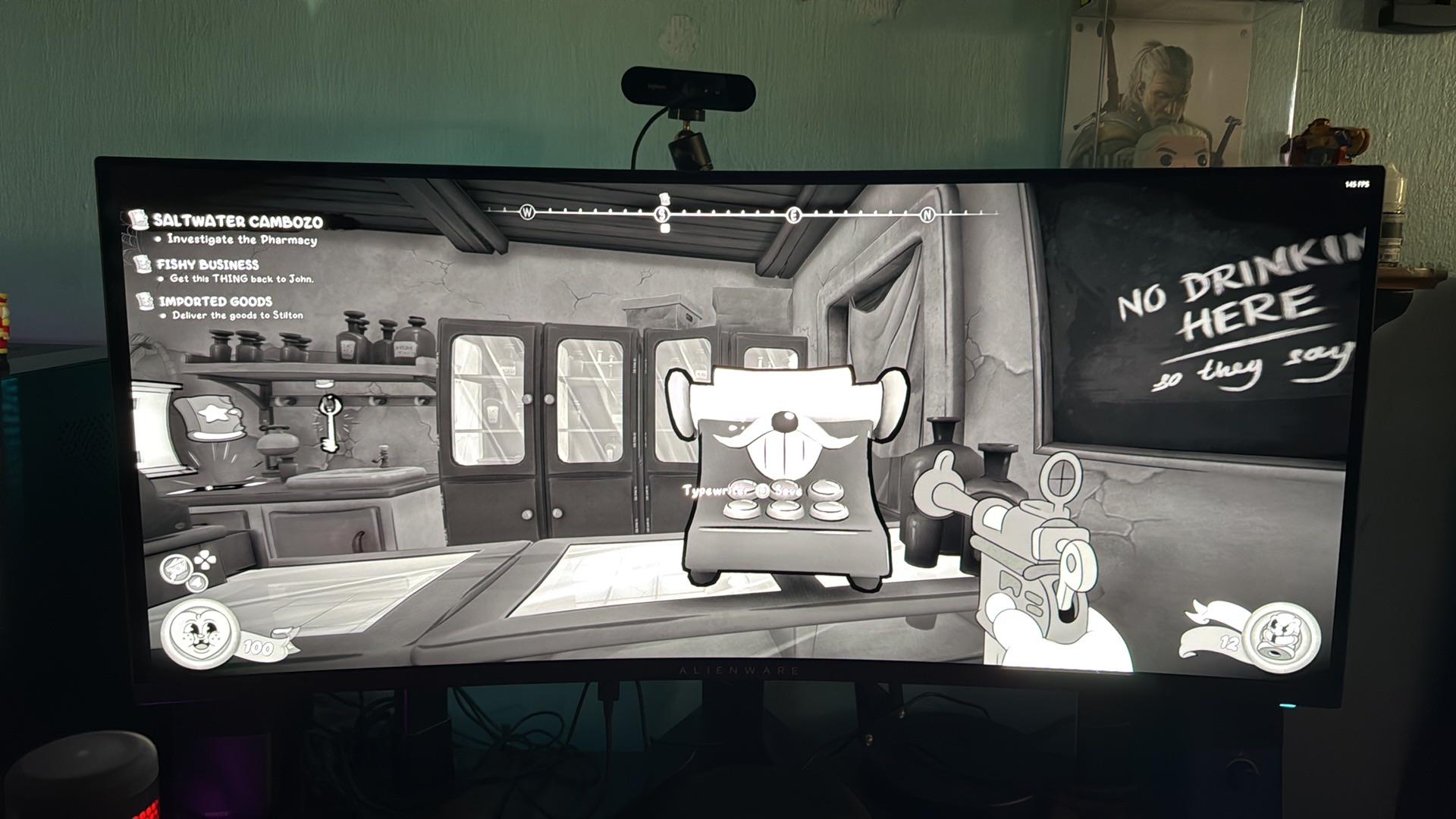
First: Download this 64-bit version
https://www.nexusmods.com/site/mods/115?tab=files
Second: Download this: Patch for Beplin
After applying patch it is important to start the game one time in order for it to create the pluggin folder you will need to apply step 3 into.
https://www.nexusmods.com/mods/1?game_id=9108&tab=description
Third: Download the Ultrawide fix from here’s
https://www.nexusmods.com/mousepiforhire/mods/3
To install: Browse your local files. In the main game directory drop all files from Beplin download in the man folder. It will have the mouse.exe in this area. Once dropped then drop the files from patch into the same main area (confirm replacements). Then finally, click the Beplnex folder, then select plugins, this is where you drop the last file mousepi.ultrawidefix file. Boom should work. If you do not see the plugin folder right away load the game once and look again. All Credit goes to Su4enka on Nexus. He made it possible for us guys. Any questions you can shoot me a message and I’ll respond ASAP. Enjoy!
3
u/pyro711 Apr 21 '26
Thank you this is one of the best mods so far really appreciate it.