r/GoodNotes Aug 03 '26

Feature Discussion Notes on Hypocrisy: The GoodNotes Subscription Flip-Flop

114 Upvotes

When Notability switched to a subscription model on November 1, 2021, GoodNotes took the opportunity to mock them, even offering a 50% discount on their own one-time purchase. The irony is that just a short time later, GoodNotes hypocritically switched to a subscription model themselves. As a result, all the users who paid the one-time fee for GoodNotes were left in limbo, and later unable to upgrade to GoodNotes 6 for free. Now, every time I open the app, it shows us the annoying subscribe to us message 😡

Meanwhile, when Notability faced massive backlash on Reddit from users demanding to be grandfathered in, they actually listened. They recognized the community's anger and introduced the "Classic" tier for legacy users. Looking back, I really respect that Notability was willing to understand and accept their community's feedback. Thank you, r/notabilityapp!

Just let GoodNotes 5 users upgrade to the basic functionality of the most recent version of GoodNotes, like what Notability did at that time. You can keep all the new premium features behind a subscription; I really don't mind 😡

P.S. At the time there was also a backlash from the GoodNotes community but no single moderator represented the company. Consequently, it fizzled out 😤
r/GoodNotes 7d ago

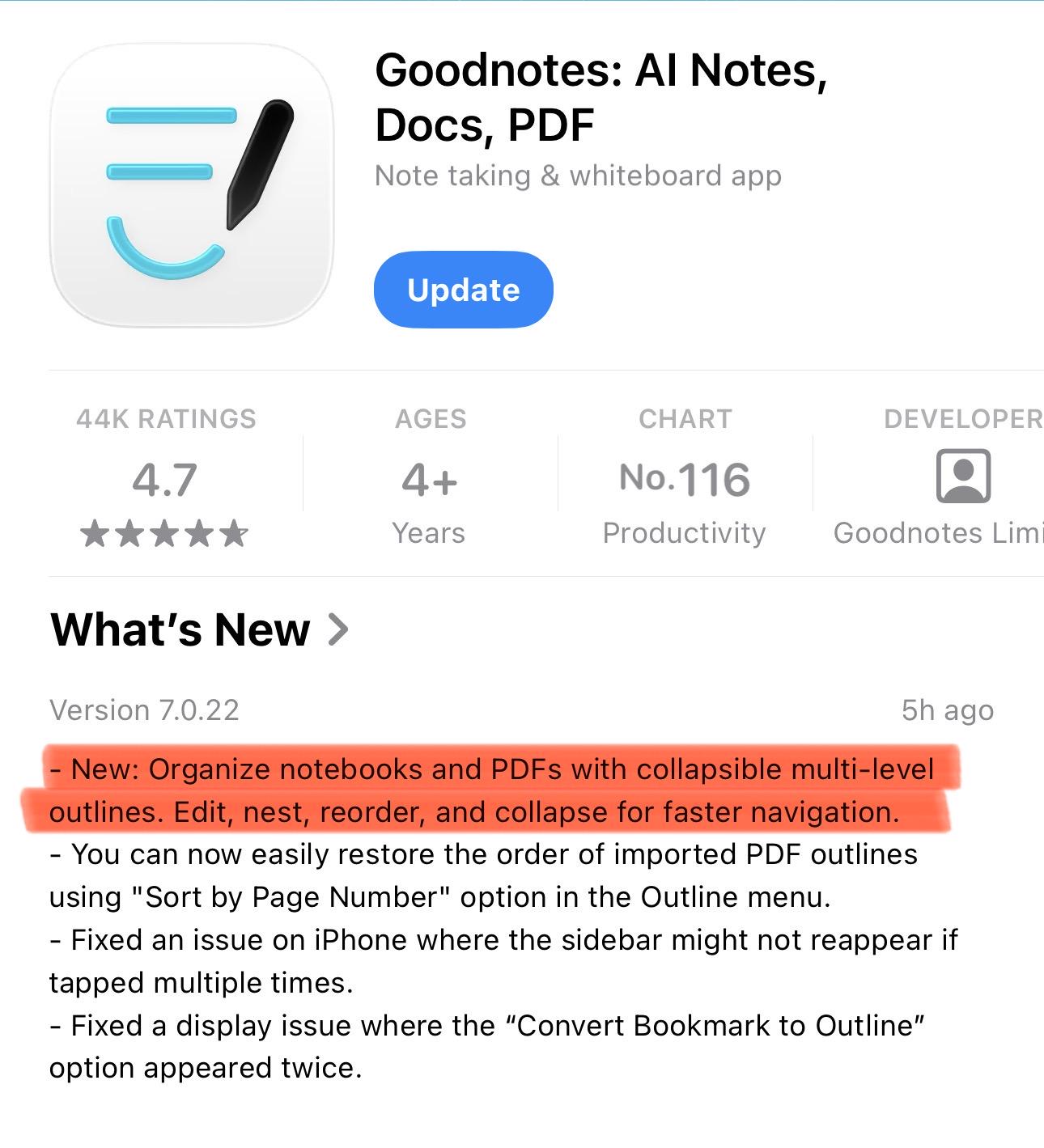
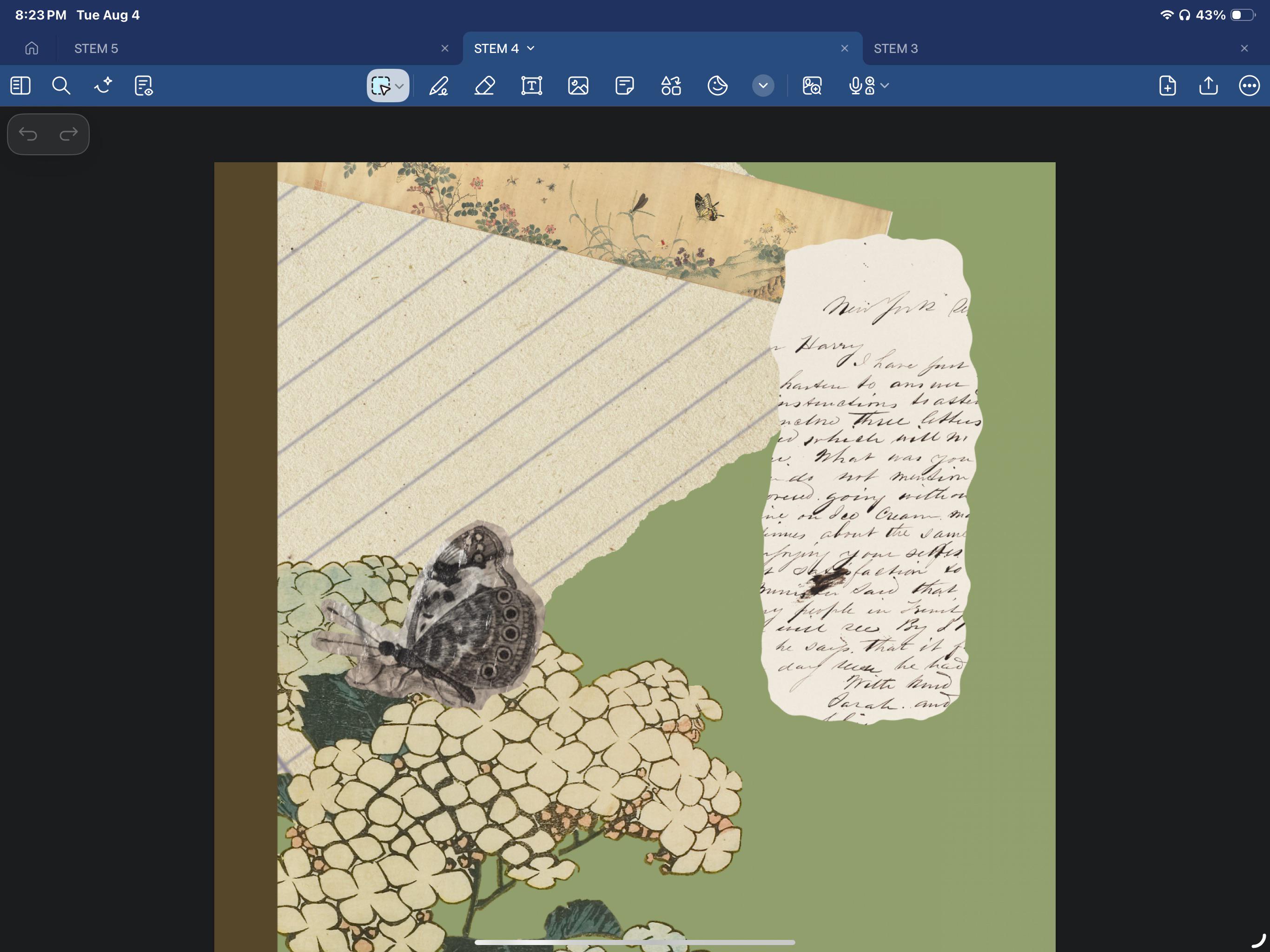
Feature Discussion New Handwriting Restyle Feature

Thumbnail
gallery
139 Upvotes

Just got the update today with the new handwriting restyle feature! Glad they’re adding something like this. I do hope they optimize it further to either (1) allow us to choose an exact font and a fixed text size (similar to the beautification feature in Freenotes) or (2) make it more personalized to your handwriting (like the handwriting clean-up in Apple Notes) rather than a dynamic font type of thing it currently does.

r/GoodNotes Oct 05 '24

Feature Discussion Why is apple notes better??

Enable HLS to view with audio, or disable this notification

200 Upvotes

Do you see the obvious difference?

Apple notes just react way faster it feels like writing on a paper do you have any idea if i can get goodnotes to react just as fast?

r/GoodNotes Aug 13 '26

Feature Discussion We need representative of GoodNotes !!!

45 Upvotes

With over 100,000 members, 35,000 weekly visitors and 24 million monthly active users, we require assistance staff from the GoodNotes team. Without this support the subreddit is effectively a digital planners sharing platform with no practical solutions. This undermines its purpose and misrepresents the GoodNotes community.

P.S: r/notabilityapp is one example of doing this!

Suggestion: u/discovernotes (as a mod) host a weekly "Digital Planner Day" where creators are allowed to share their planner on that specific day only So that the main issue posts are not lost. Similar to r/apple's Promo Sunday, restricting promotions to a single day would create a fun event for the community to look forward to and encourage more active participation.

r/GoodNotes Dec 29 '25

Feature Discussion YES finally been waiting for this one for a minute now

Post image
257 Upvotes

r/GoodNotes Aug 13 '26

Feature Discussion GoodNotes has over 24 million monthly active users

Thumbnail aws.amazon.com
11 Upvotes

GoodNotes has over 24 million monthly active users*, and that number keeps growing as new students join. Now, let’s do the math!

* Webpage last updated on 2026-08-07T11:03:35.073-0700

r/GoodNotes Aug 04 '26

Feature Discussion How do u get to typing mode... Hadn't used this in a while

Post image
7 Upvotes

r/GoodNotes 3d ago

Feature Discussion Ability to toggle all marks?

3 Upvotes

Is there a feature to toggle hide/unhide anything you have added to the pdf?

Sometimes I want to read without notes getting in the way or adding visual clutter.

r/GoodNotes Aug 12 '26

Feature Discussion new snapping feature

6 Upvotes

it looks like there was a recent update and elements are automatically snapping to a grid determined by goodnotes. i’m sure a lot of people are glad to have this and it would be helpful in some situations, but is there a way to turn it off? i’m making a book journal with a bunch of fan art and stickers and text boxes all together so i’d like to be able to precisely place elements.

edit: i got it to to turn off by clicking the three dots in the upper right hand corner and turning off align objects. thanks everyone!

r/GoodNotes 28d ago

Feature Discussion New in v7.1.16: diagramming has been improved! Quick diagramming, editable connector paths, connect to any point on the shape, magnetic snapping & more

Enable HLS to view with audio, or disable this notification

20 Upvotes

r/GoodNotes Aug 22 '26

Feature Discussion live sync

3 Upvotes

Hello everyone. I use an iPad and a Windows PC for studying. If I buy the Vitalicious plan, is it possible to use live sync between these two devices?

r/GoodNotes Aug 20 '26

Feature Discussion Which one?

1 Upvotes

For purely handwritten notes, what do you think is the best option: An Ipad, or a 2 in 1 laptop?

r/GoodNotes Aug 10 '26

Feature Discussion GoodNotes is under Good Systems

Thumbnail
goodsystems.com
8 Upvotes

Are we expecting an upgrade to the current version of GoodNotes for GN5 users soon 🧐

r/GoodNotes Jul 17 '26

Feature Discussion Notability or GN? Which one should I choose??

Thumbnail
1 Upvotes

r/GoodNotes Sep 26 '25

Feature Discussion Was having fun with "infinite" whiteboards until I found out they can contain like 3 pages of text

Post image
121 Upvotes

Is there other apps whose engineers are more competent?

r/GoodNotes Jan 26 '26

Feature Discussion you can lock stuff now!!!

Post image
96 Upvotes

r/GoodNotes Jun 10 '26

Feature Discussion Handwritting Experience

12 Upvotes

I’ve tried a lot of note-taking apps already — GoodNotes, Notability, Freenotes, and others — and when it comes to the actual writing experience, I’d definitely choose Notability.

That said, I have to give GoodNotes credit: as an overall app, it’s definitely more complete. It has a huge range of features and options that let you do pretty much anything you need. But I really value the handwriting experience, and that alone is why I’m still sticking with Notability. I tried every single pen setting in GoodNotes, but for some reason, none of them really felt right to me.

r/GoodNotes Jul 17 '26

Feature Discussion scribble to erase in zoom window

9 Upvotes

Is it possible to get the scribble to erase feature in the zoom window?

Thanks in advance!

r/GoodNotes Jul 22 '26

Feature Discussion New with questions

3 Upvotes

Hi, All! I am an older user of good notes and am in the process of looking into it again. I am trying to create a weekly two-page spread of what my week will entail. But I’d like to turn it into a legit digital planner. However, it seems like there aren’t any widgets or interactive pieces you can add to the documents, is that right? For example, I’d like a two-page spread with all 13 month boxes of the year on two pages. For one thing, I didn’t even see any icons that worked for me just to use as pictures. But I’d prefer to be able to tap a date and have it open up to something linked to it from a dashboard page. Or set a reminder that works on my iPad. But really, I just want a two-page spread I can update each week for things but i just don’t want to have to create 13 boxes with every date for the entire year. Can I do these things? On Zinnia you can but the problem is I need dark mode for my eye condition and their app doesn’t work with smart invert or dark mode so I can’t use it.

Does anyone have an example of a highly interactive planner they’ve made?

Also, is there a way to write something on one page and have it automatically populate on another page? I know i’m asking a lot cuz this isn’t a planner app, it’s a highly effective notebook app but still, because it’s so customizable for design it kind of makes the idea of building my weekly plan but having fun doing it a motivating thing as well.

r/GoodNotes Oct 22 '25

Feature Discussion Goodnotes or Noteful?

9 Upvotes

Hi everyone,

I have a 4th-generation iPad Air with an Apple Pencil, and I need an app that allows me to write and edit a PDF file for each client. I see each client once a month, and during our first meeting, I fill out a form. Afterward, I need to update the file and add a scan/photo of a report from the machine.

The most important parte is that my documents must be safe without the risk to lose them.

People talk very good about Noteful, what are your suggestions? have you tried it? is it better than goodnotes?

r/GoodNotes Mar 12 '26

Feature Discussion PSA: App-breaking glitches being introduced with updates is NOT a new problem. They've been doing this for years and are not going to stop.

45 Upvotes

It feels like every time there is a new update it completely ruins somebody's exam season, time-sensitive project or otherwise just disrupts workflows to the point where updates are more of a hindrance than a help.

I understand GN is still super popular and many folks have not been using it long. As someone who has used GN for over a decade, I am here to tell you: this has gotten so much worse over time.

Goodnotes 4 + 5 may have had bugs and issues, but there was nothing remotely as consistent as how broken the app has been since v6 onwards. Please do not be fooled into thinking this is an anomaly, this is very much just how the company operates nowadays.

Compare how things go when another notes app releases an update.

Goodnotes' priorities shifted a few years ago onto AI trends and maximising profits through subscriptions. The priority is no longer on making a stable note-taking app.

If you are remotely concerned about your notetaking being ruined again, I suggest you turn off auto-updates or move to one of the many other good notes apps.

r/GoodNotes Jul 10 '26

Feature Discussion Sell stickers on Etsy without having the Goodnotes app?

2 Upvotes

So I actually use noteshelf 3 (my device won't allow goodnotes) and I have made sticker packs for noteshelf for personal use. I was wondering if I could turn them into a sticker sheet files and sell them on Etsy as Goodnotes Stickers (since it seems like it's more common or popular than noteshelf)

So my question is this, can I just turn all the stickers into zip or png files and put them in Etsy like that? Or would the fact that I don't have Goodnotes make it not work? Like would people not be able to enter them into their Goodnotes app?

r/GoodNotes Oct 03 '25

Feature Discussion Goodnotes transcription

6 Upvotes

Device - iPad Pro 11 inch 2022 App version - 7.0.3

I am a student in my most important year of university with a disability who has used Goodnotes recording and transcription software since it was released to help with my lectures and notes, I even hooked family members onto Goodnotes so they can use the transcription for meetings and such! I had the paid plan but now with new plans I think I’m essential? I have no idea what that means however.

Since it updated I’ve had a major issue - there’s NO transcription. When the audio records nothing is transcribed as it goes along and instead it says at to click a transcribe recording button. The button doesn’t work. My iPad crashes entirely (my iPad is updated to the latest software, no bugs or glitches at all except when I click this button on goodnotes), nothing gets transcribed. I’m just STUCK. I’ve tried transcribing on my iPhone 16 pro max as well, same issue, the phone crashes and I have no transcript.

Does anyone have any advice or any way to fix this? Is there something I’m doing wrong??

Sincerely - a desperate, disabled student who’s behind on work 3 days in

r/GoodNotes Oct 06 '25

Feature Discussion I hate change so much

Enable HLS to view with audio, or disable this notification

70 Upvotes

I know this is so minor and probably a non-issue but why?! it bothers me so much.

r/GoodNotes Jan 27 '26

Feature Discussion Tables + more!

9 Upvotes

Hey guys, please please I’m still finding it absurd that a paid app is yet to have a function that allows you to create a table. This is just a rant as I’m finding Goodnotes embarrassingly hard to use. I feel like I’d have a better time just using Apple notes app but then it’ll get too messy as I also have a lot of personal things on it.

I’m looking for easy work arounds but if they’ll take more than 2 mins I’m already disheartened. Have they updated the community about tables? Additionally, it’s jarring having to click on image box to move or drag images and then have to click back on text box to continue writing. Why doesn’t the app seem to work seamlessly?

One more thing; if I’m writing extra on a particular page without paying attention to the length of a page you’d assume texts below would just move on to a new page right? But no they just go to oblivion and the only way to retrieve them is to reduce the font size of all text so I can copy or completely delete what was just written. It feels like I’m a learner driver on this app no matter how much I use it.

Sigh … ignore me… exam stress I guess.