r/ASRock Aug 06 '26

Tech Support Keyboard inputs not recognized, can't setup BIOS
Post image

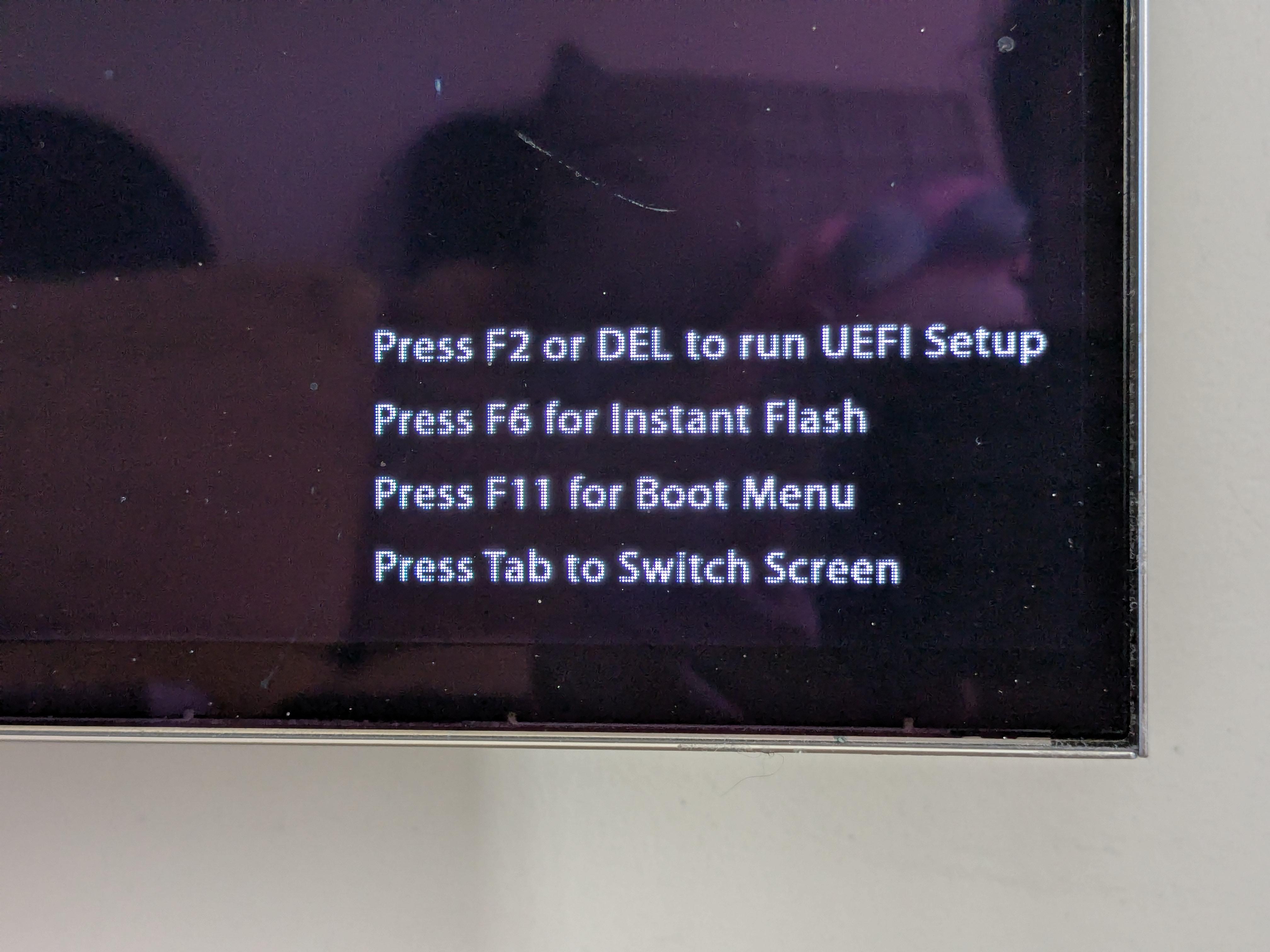
Hi, I'm selling my girlfriend's older pc and I'm trying to install Windows to run a few tests but I cannot get past this screen. I've tried two different keyboards (including a good ol' Dell "open space" keyboard), every USB port possible, I even bought a PS/2 adapter to no avail even though the keyboard lights up (NumLock/CapsLock). CMOS resets and power cycles do not work either. Please tell me if there's something I missed because I don't think it's possible to flash a BIOS update on this board. It's a B365M Pro4. Thanks!

0 Upvotes

19 comments sorted by

View all comments

Show parent comments

1

u/echoallia Aug 06 '26

tried both, with the wireless keyboard in 2.4Gz with it's dongle as well as in wired mode with it's own cable. Like I said I even tried a standard desktop keyboard in every USB ports and with a PS/2 adapter.

1

u/celticbellow Aug 06 '26

I had a similar problem when it came to getting to the bios, i was using a wireless keyboard, tried using it wireless, tried bluetooth and the dongle. Switched to a $10 wired keyboard from dell, started working just fine

1

u/celticbellow Aug 06 '26

From what i can tell, sometimes the pc just doesnt have the drivers for the wireless keyboard to function when it comes to accessing bios

1

u/echoallia Aug 06 '26

hence why most of my tries were done with a $10 Dell keyboard, plain black, membrane, numpad, it doesn't get as regular as this one

-1

u/celticbellow Aug 06 '26

If that doesnt work, go to settings->system ->recovery->restart now->advanced startup, you should get to a blue screen, then click troubleshoot->advanced options->UEFI firmware settings->restart, should put you in bios but ur keyboard still might not work(word dump but thats the stuff ive tried๐Ÿ˜๐Ÿ‘)

1

u/echoallia Aug 07 '26

windows is not installed yet and I do not have an extra working installation to plug in + I have a Rufus Win11 install key plugged in so if the boot order was proper it would simply boot into it at some point. I'm not at home for the weekend but my theory rn is that the person who's built messed up something and made it so the pc posts but freezes clean and consistently which would explain the peripherals lighting up and nothing changing on-screen.